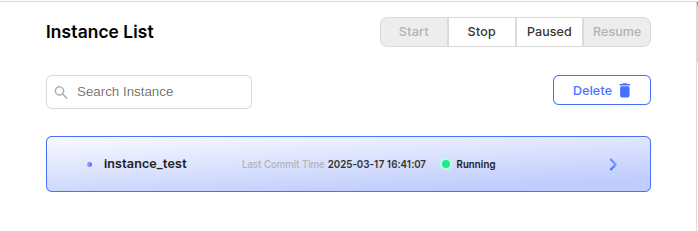
This is the area where the users can see a list of registered Instances.
Status change
The users can intervene in the Status of the selected Instance.
Start: Starts all processes in this instance.
Stop: Stops all processes in the instance.
Paused : Pauses all processes in this instance.
Resume : Resumes all processes in this instance.
Instance Search
This feature allows the users to search by the name of an instance.
Delete
The users can clear the selected Instances.
The default work for deletion is to remove the registration from the web, but check the box if the users want it to also be removed from the engine's prs_instance.map.
The checkbox is only active if the Instance's Status is Stopped.