
Login
To access SysMasterDB 8, the users must first log in via a web browser.
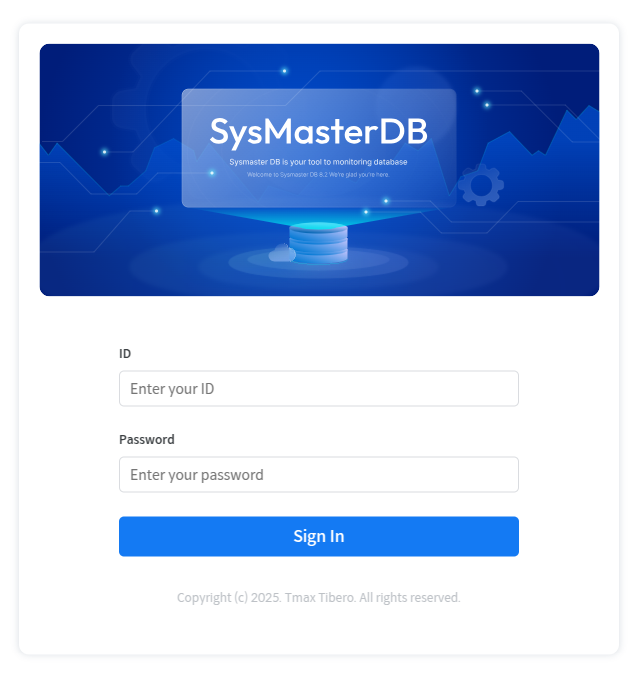
On the login screen, enter the usersr user ID and password, then click the [SIGN IN] button. Upon successful login, the users will be redirected to the group selection screen.
When installing SysMaster DB 8, an account with administrator privileges is created by default. The default administrator account ID and password are both "admin."
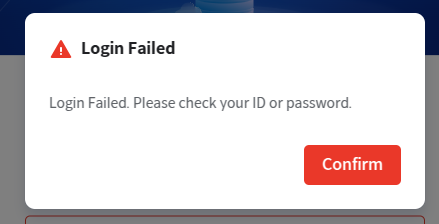
If login fails, a "Login Failed" dialog box will appear, prompting the users to verify the usersr ID and password. If login fails five times in a row, a message will appear instructing the users to try again after 10 minutes.
Note
Users can log out by closing the browser or through the Profile in Global Navigation Bar (GNB).
If the user does not log out separately, the user session will be maintained for up to one year from the time of login.
Last updated