> For the complete documentation index, see [llms.txt](https://docs.tibero.com/sysmasterdb/llms.txt). Markdown versions of documentation pages are available by appending `.md` to page URLs; this page is available as [Markdown](https://docs.tibero.com/sysmasterdb/8.4_manual/analysis/report/ash-report.md).
# ASH Report
글로벌 내비게이션 바에서 **\[Analysis] > \[Report] > \[ASH Report]** 메뉴를 클릭하면 ASH Report 화면이 열린다.
ASH Report는 사용자의 권한에 따라 특정 인스턴스 또는 클러스터 단위로 데이터베이스의 활성 세션(Active Session) 정보 분석 리포트를 생성 및 조회할 수 있는 기능이다.
클러스터(TAC, TSC) 환경에서는 개별 인스턴스 또는 클러스터 전체를 대상으로 리포트를 생성할 수 있다. 클러스터에 속한 일부 인스턴스에 대한 관제 권한(Privileges)이 없는 경우에도 같은 클러스터 내에 있는 인스턴스는 조회 가능하다.
## ASH Report 목록
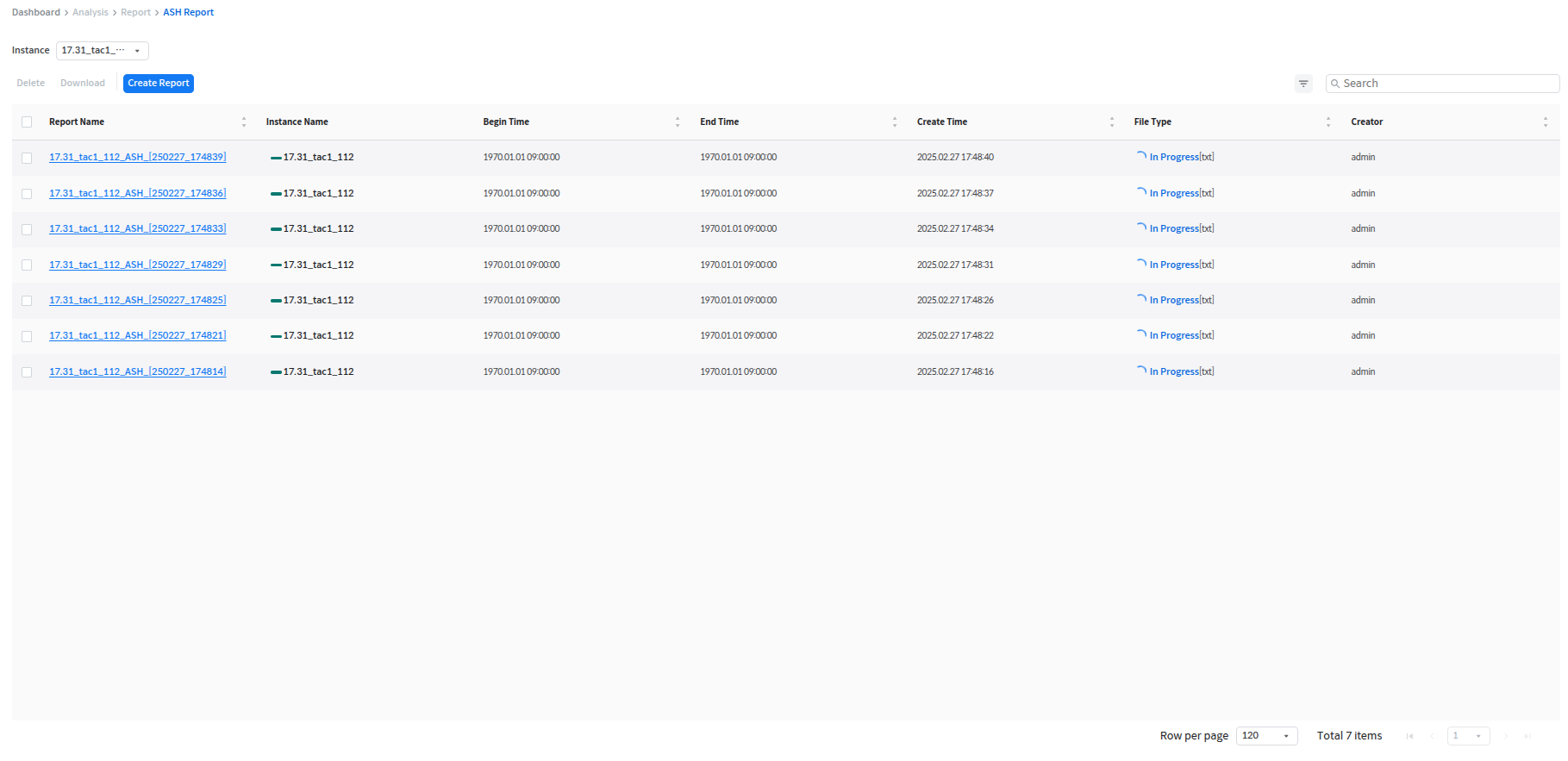
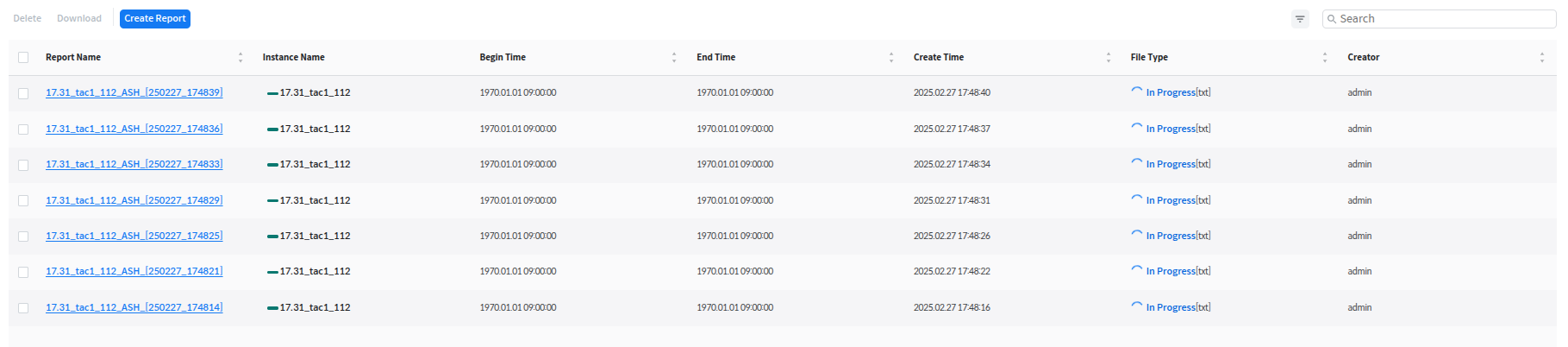
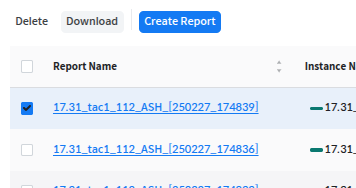
관제 대상 인스턴스 별로 생성한 리포트 목록을 테이블 형식으로 보여준다. 목록에서 Report Name을 클릭하면 뷰어 페이지로 연계하여 해당 리포트를 조회할 수 있다.
사용자는 해당 목록에서 현재 설정된 그룹 내에서 생성된 모든 리포트를 조회할 수 있다. 단, 리포트 보기(View)·삭제(Delete)·다운로드(Download)는 리포트를 생성한 사용자와 Admin 이상 권한의 사용자만 할 수 있으며, Report Name은 생성이 완료된(Succeed) 리포트에서만 클릭할 수 있다.
Instance 드롭다운을 통해 그룹 내 특정 클러스터 또는 인스턴스의 리포트만을 선택적으로 조회하는 것도 가능하다.
다음은 ASH Report 화면에서 제공하는 항목에 대한 설명이다.
| 항목 | 설명 |
| ------------- | ----------------- |
| Report Name | report 이름 |
| Instance Name | 인스턴스 이름 |
| Begin Time | report begin time |
| End Time | report end time |
| Created Time | 생성 시간 |
| File Type | 파일 포맷 및 파일 생성 상태 |
| Creator | 생성자의 ID |
## View
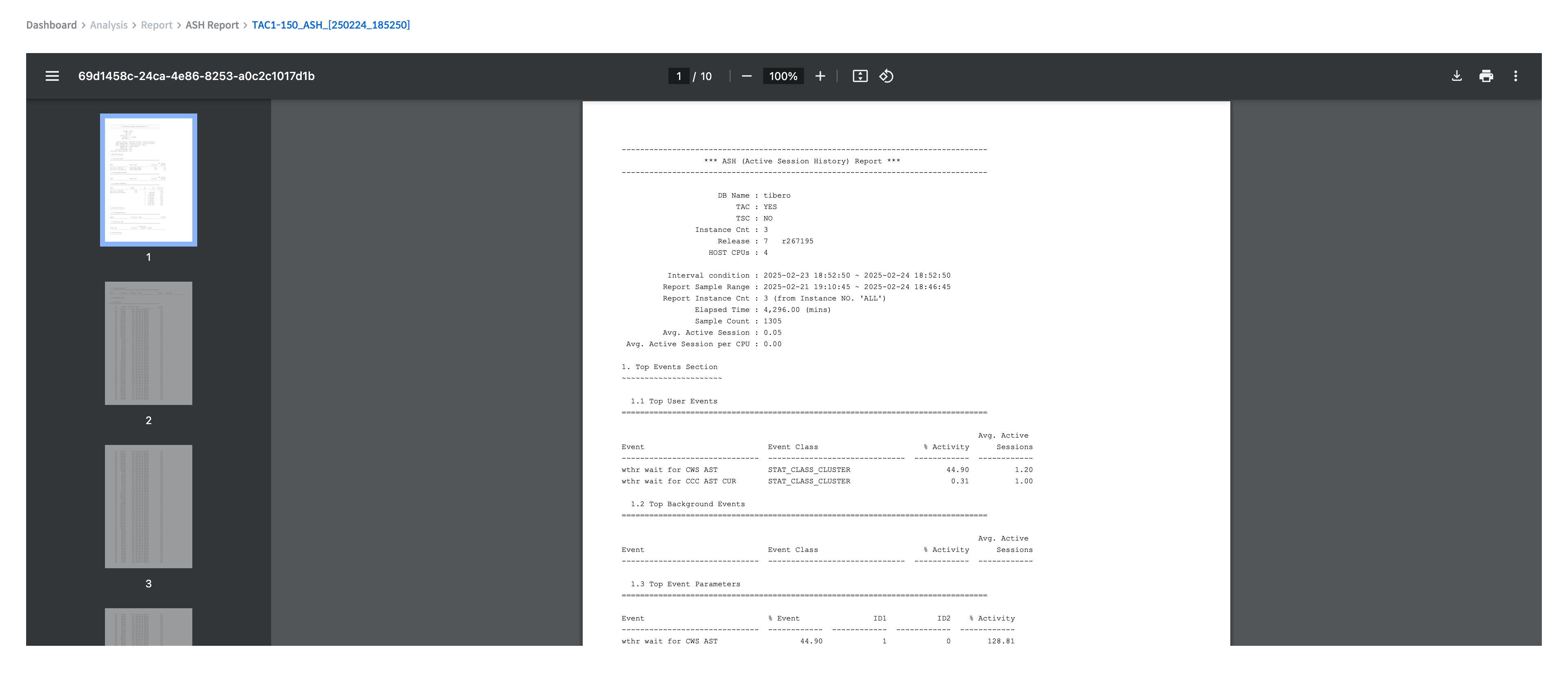
report name을 클릭하면 해당 report를 PDF 포맷으로 브라우저에서 확인할 수 있다.
## Delete
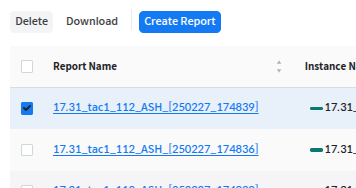
체크 박스로 선택한 report를 삭제한다.
## Download
체크 박스로 선택한 report를 다운로드한다.
자세한 내용은 하위 페이지에서 설명한다.
{% content-ref url="/pages/3vSBXUHIqIK5ksXZ6B8k" %}
[Create Report](/sysmasterdb/8.4_manual/analysis/report/ash-report/create-report.md)
{% endcontent-ref %}