Loading...
Loading...
Loading...
Loading...
Loading...
Loading...
Loading...
Loading...
Loading...
Loading...
Loading...
Loading...
Loading...
Loading...
Loading...
Loading...
Loading...
Loading...
Loading...
Loading...
Loading...
Loading...
Loading...
Loading...
Loading...
Loading...
Loading...
Loading...
Loading...
Loading...
Loading...
Loading...
Loading...
Loading...
Loading...
Loading...
Loading...
Loading...
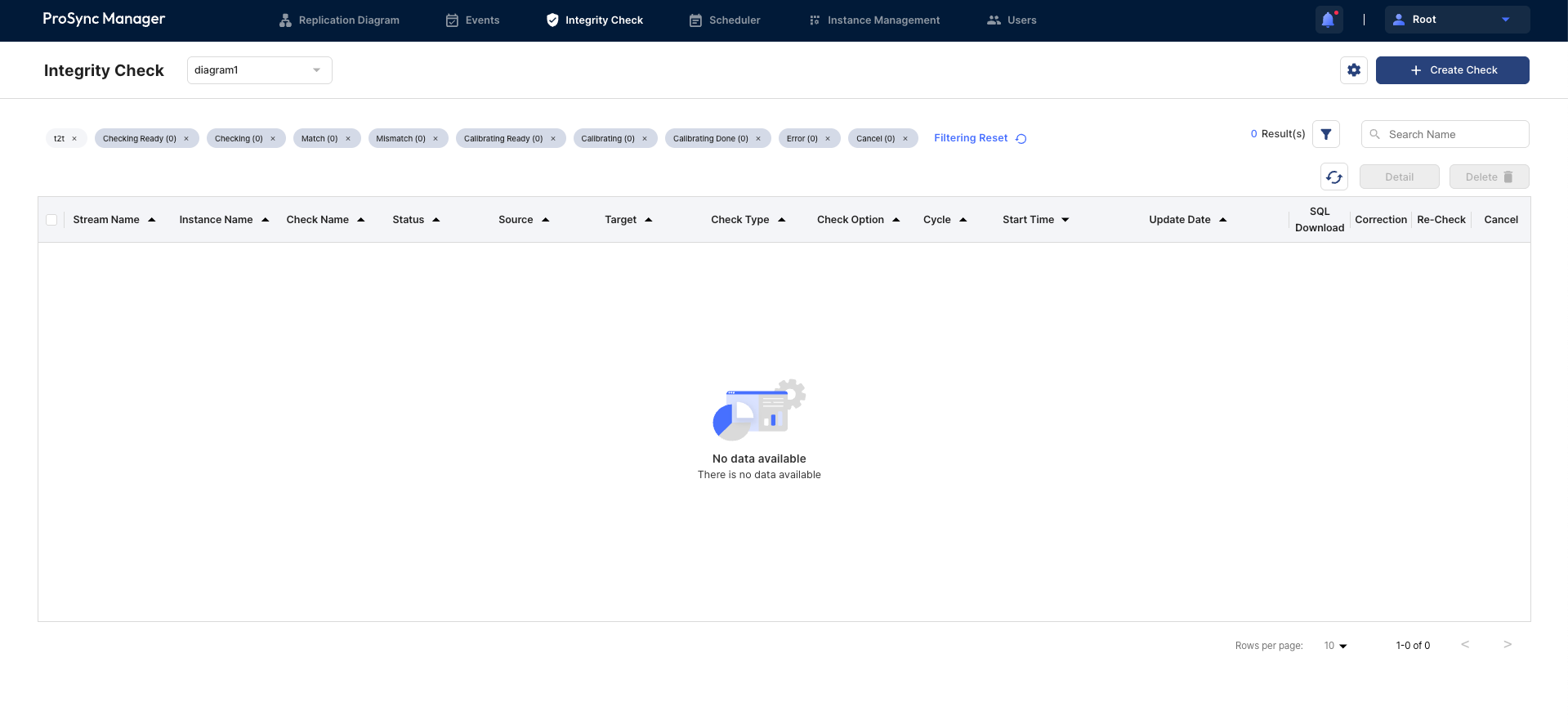
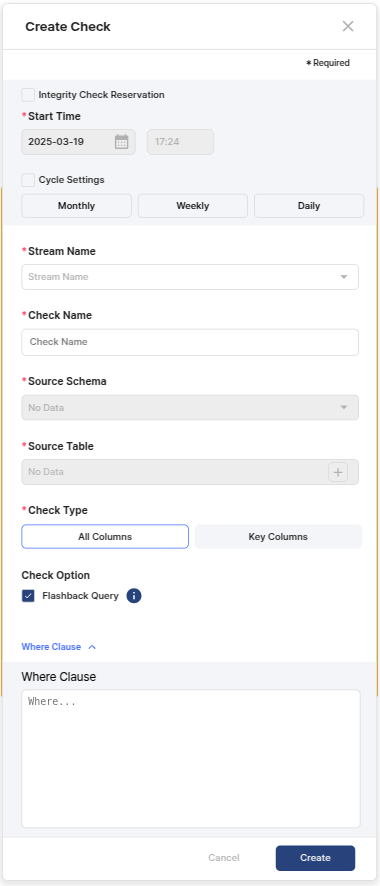

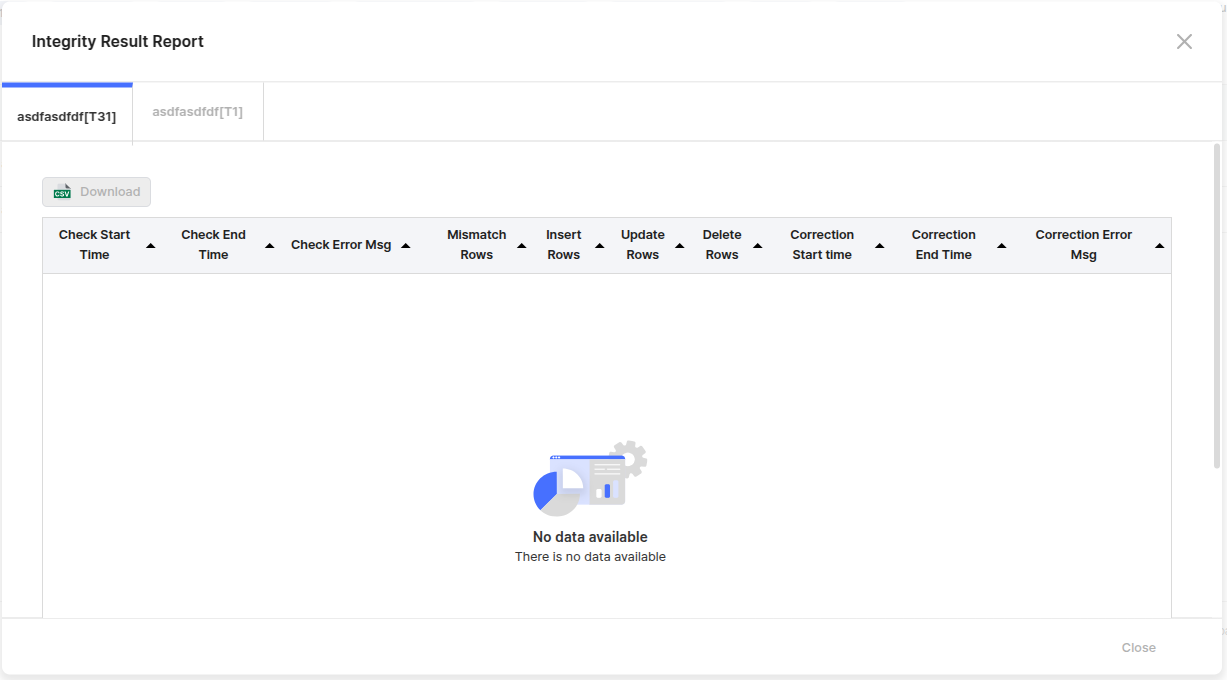
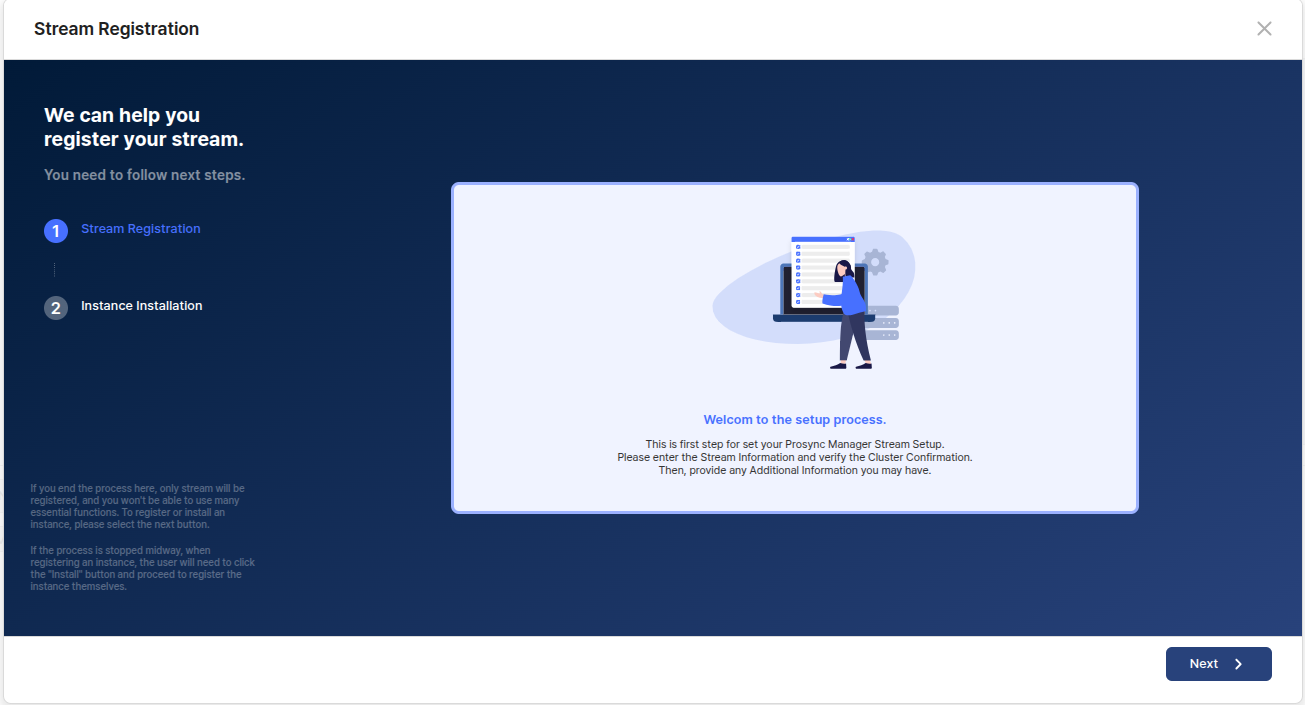
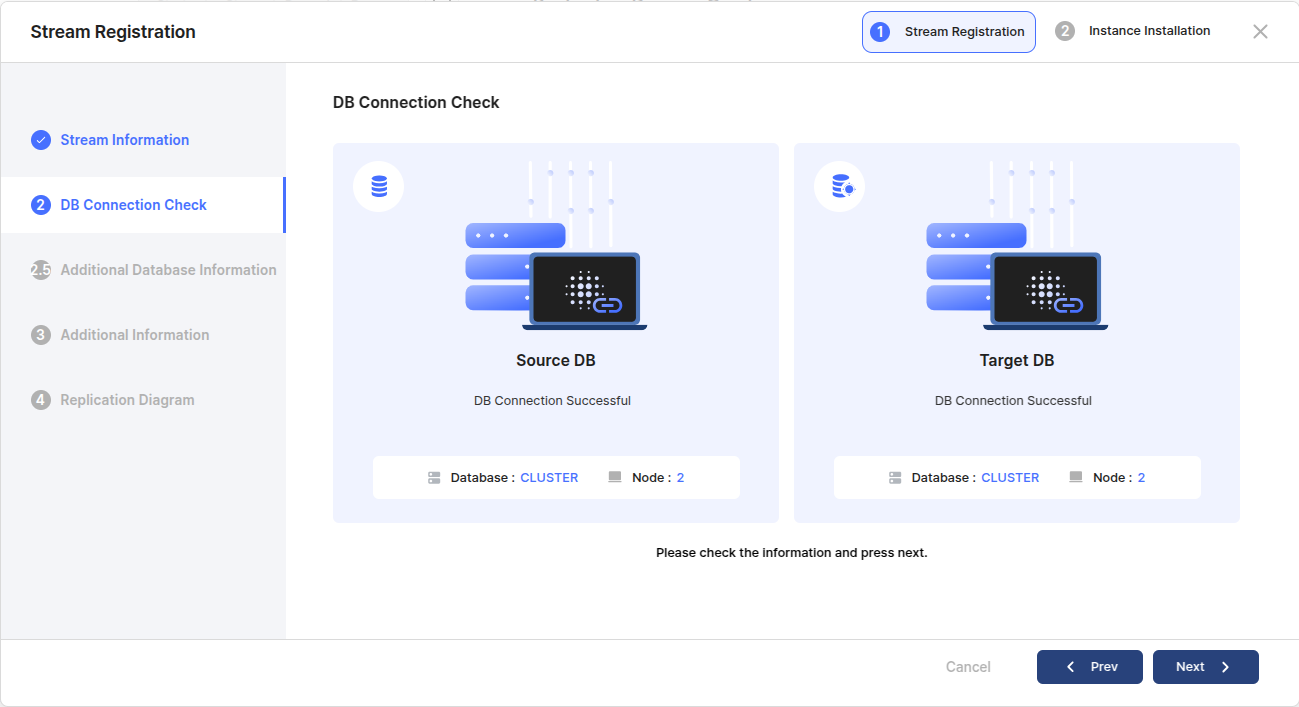
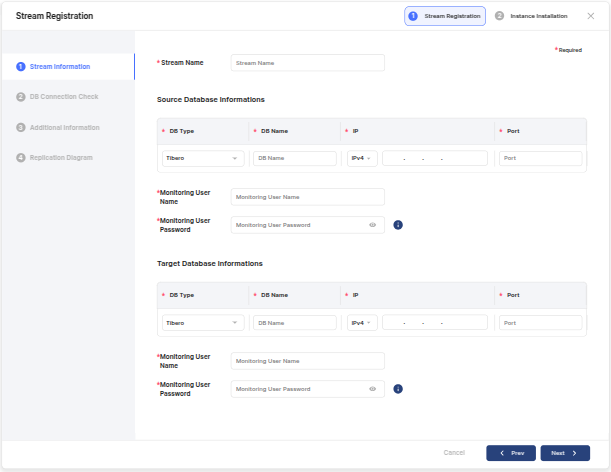
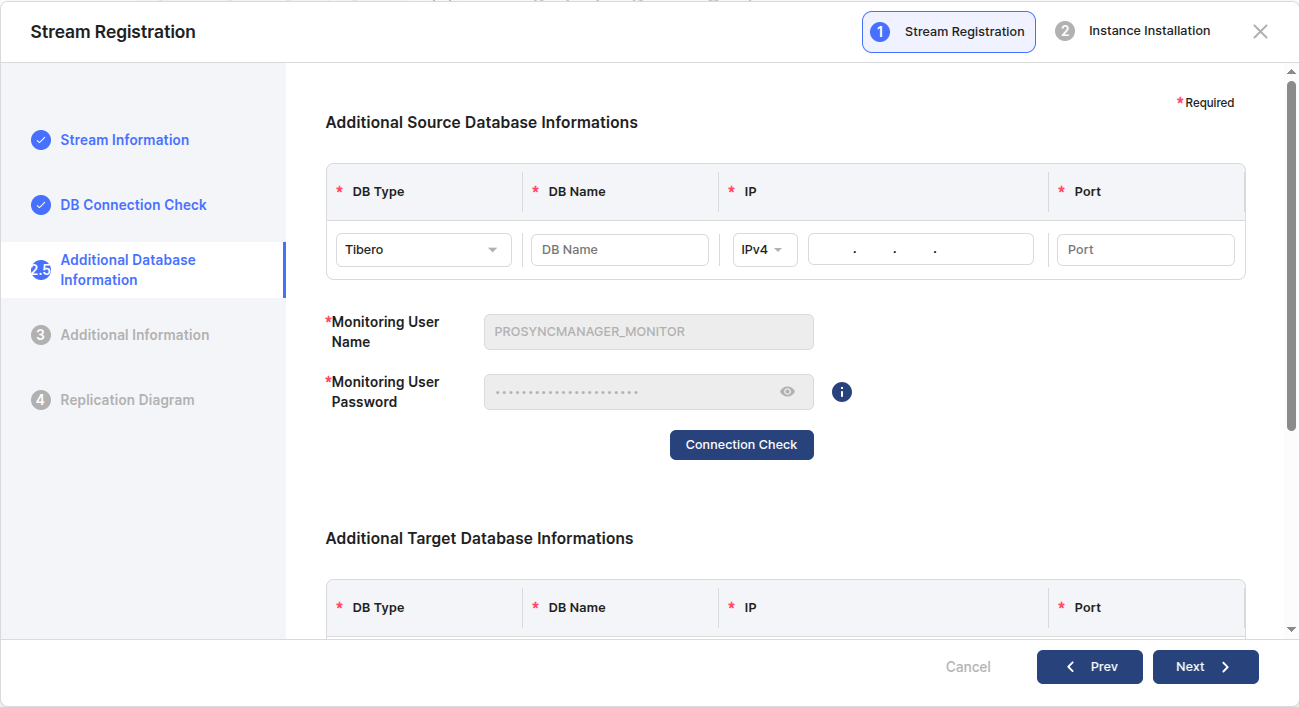
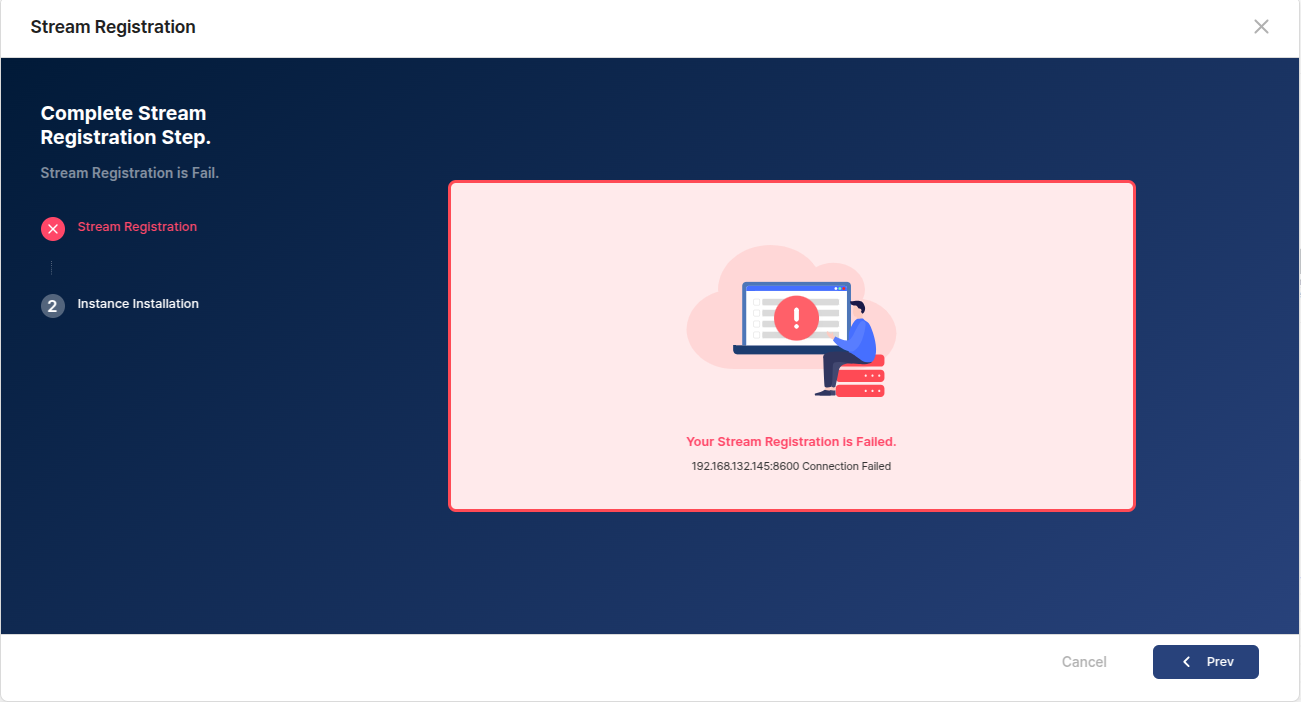
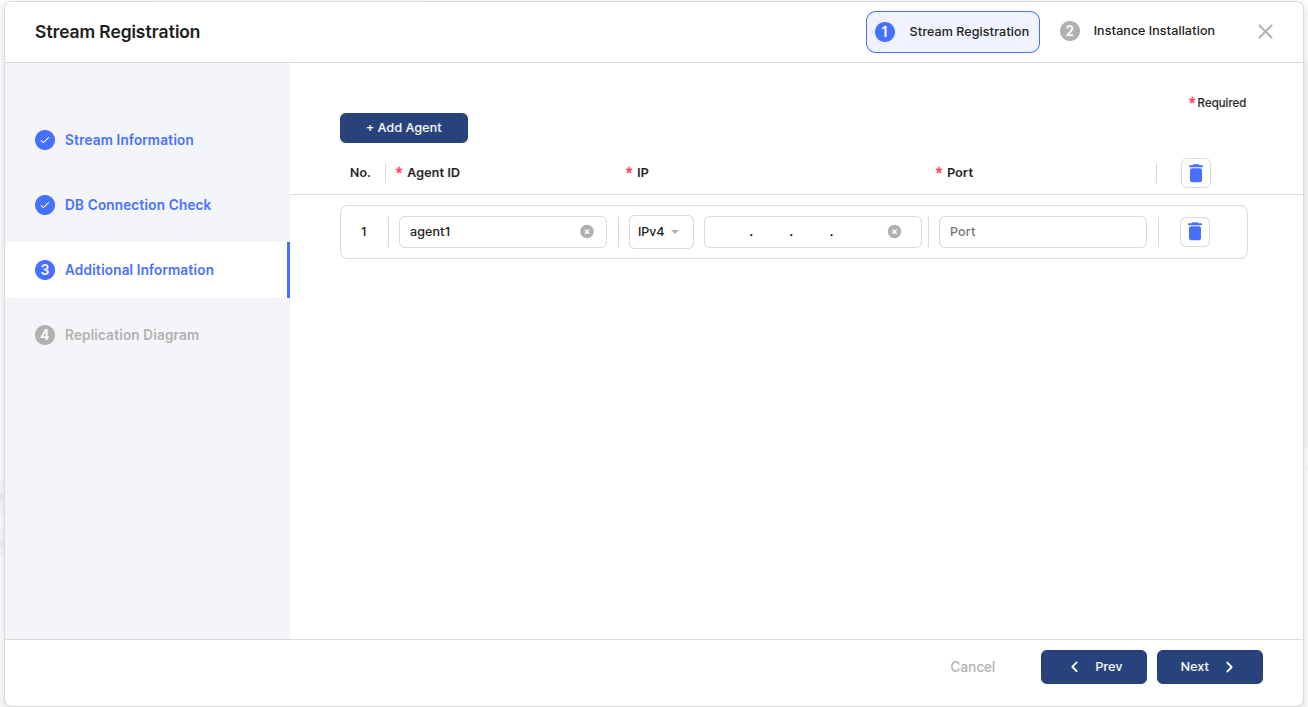
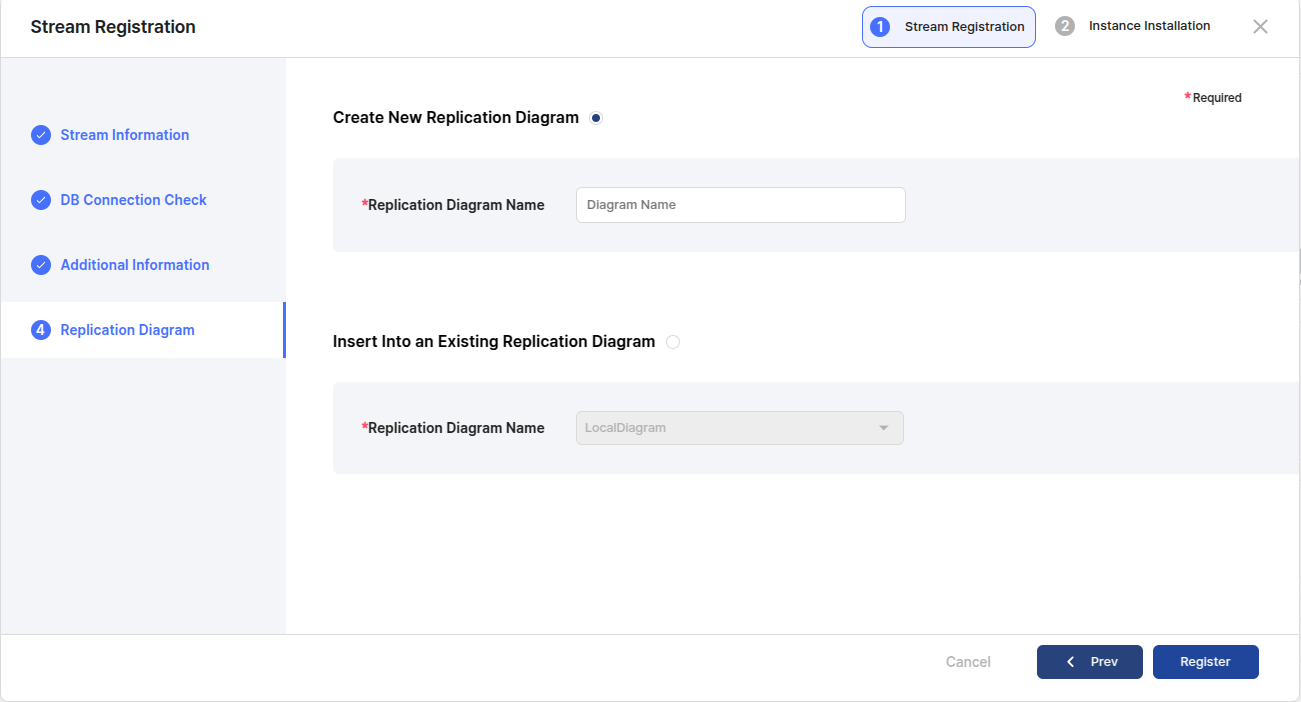
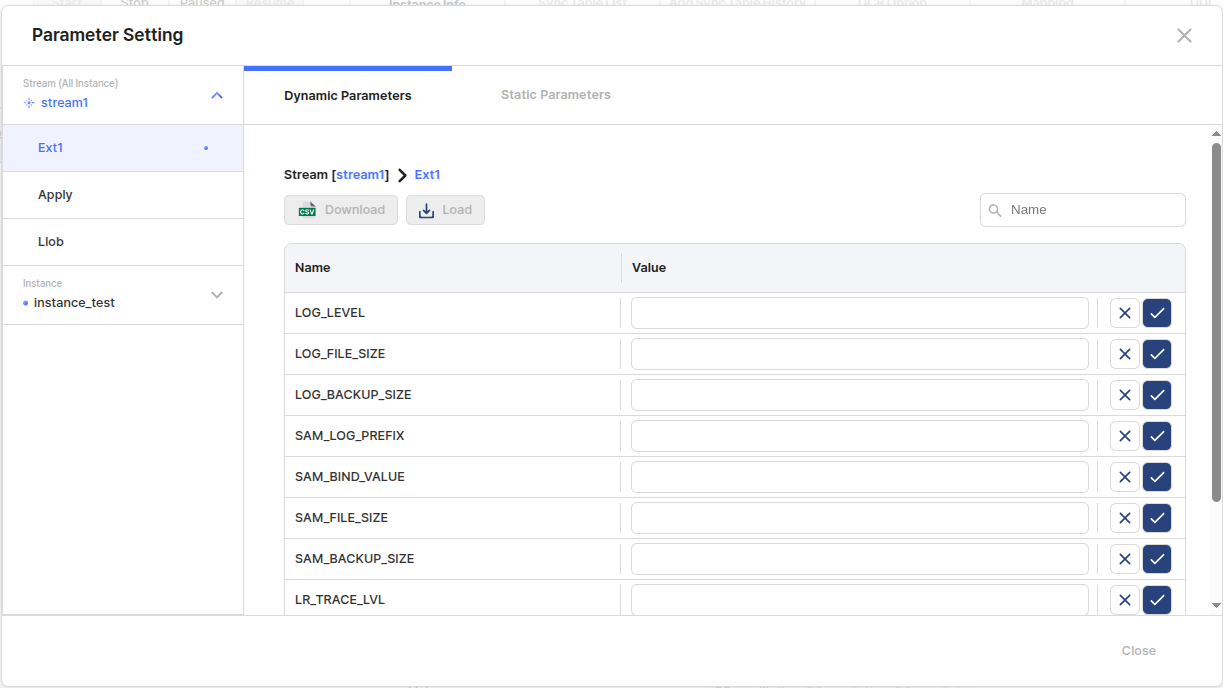
Describes registering Diagrams and Streams.
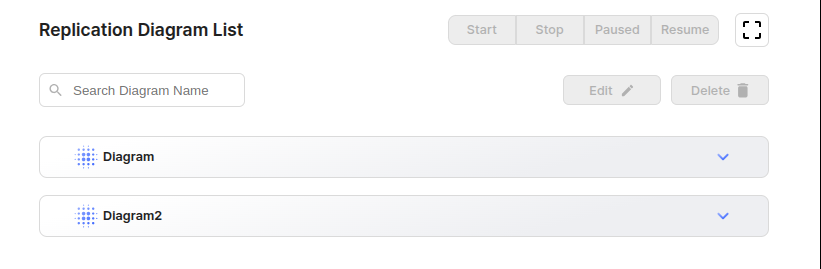
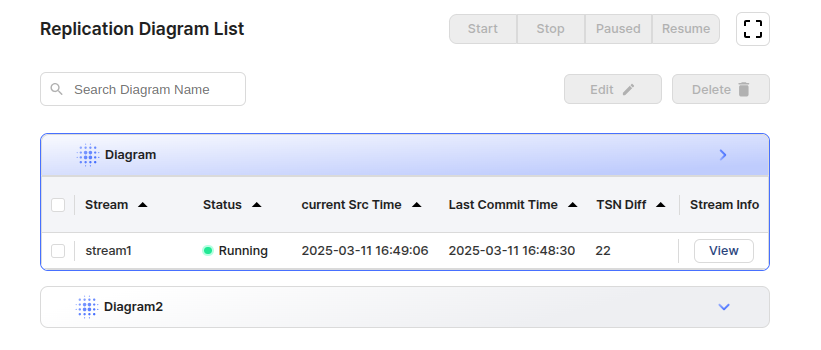
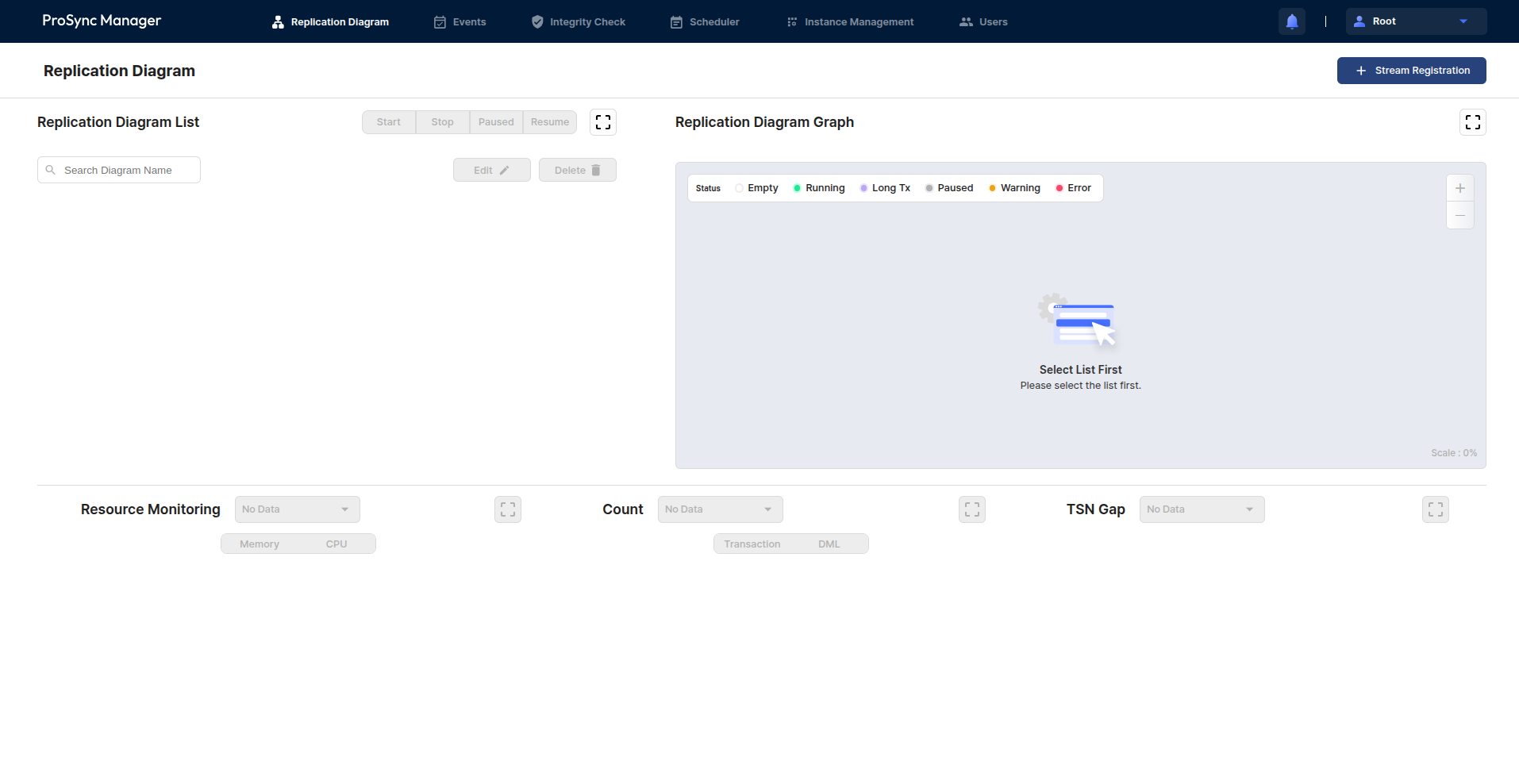
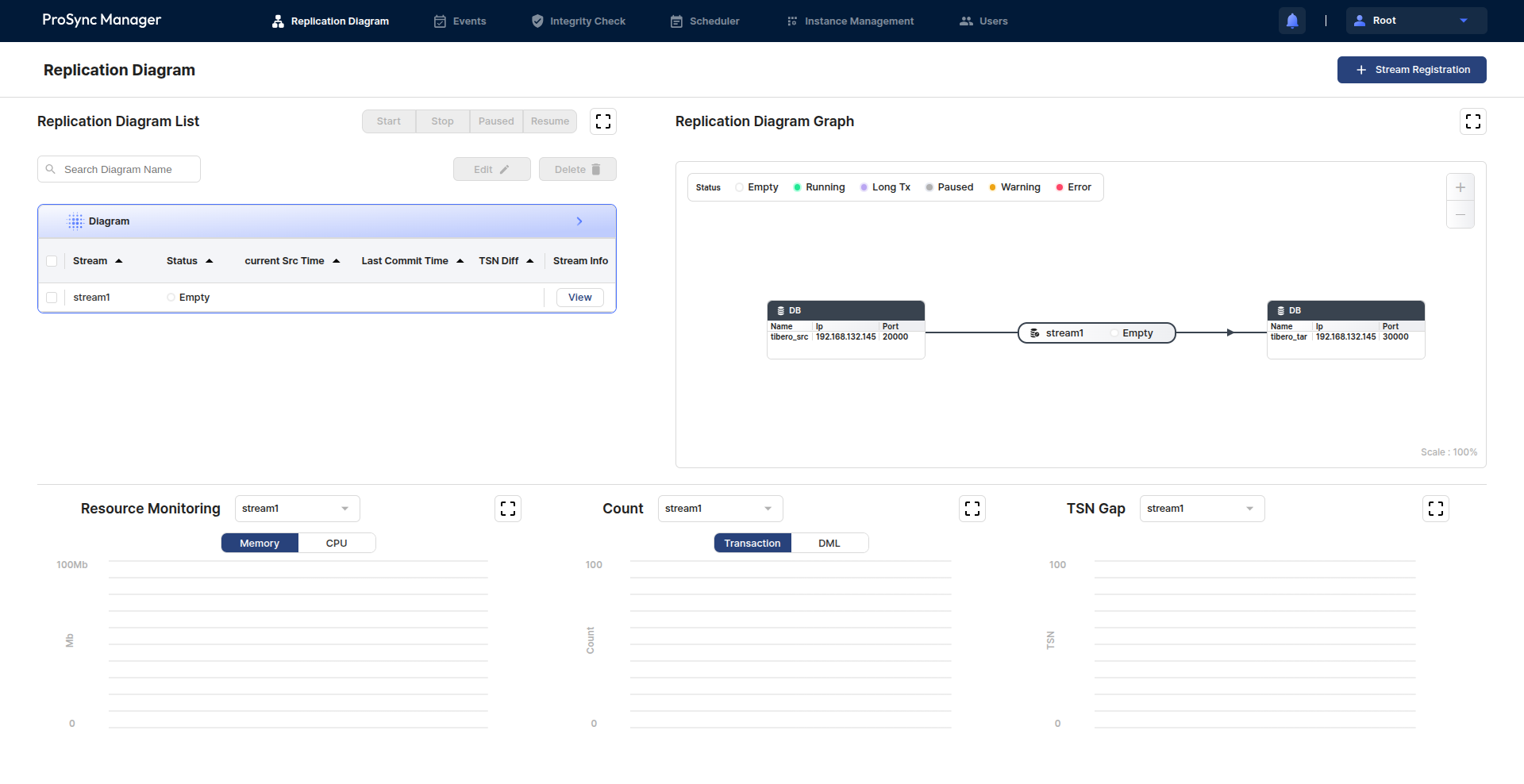
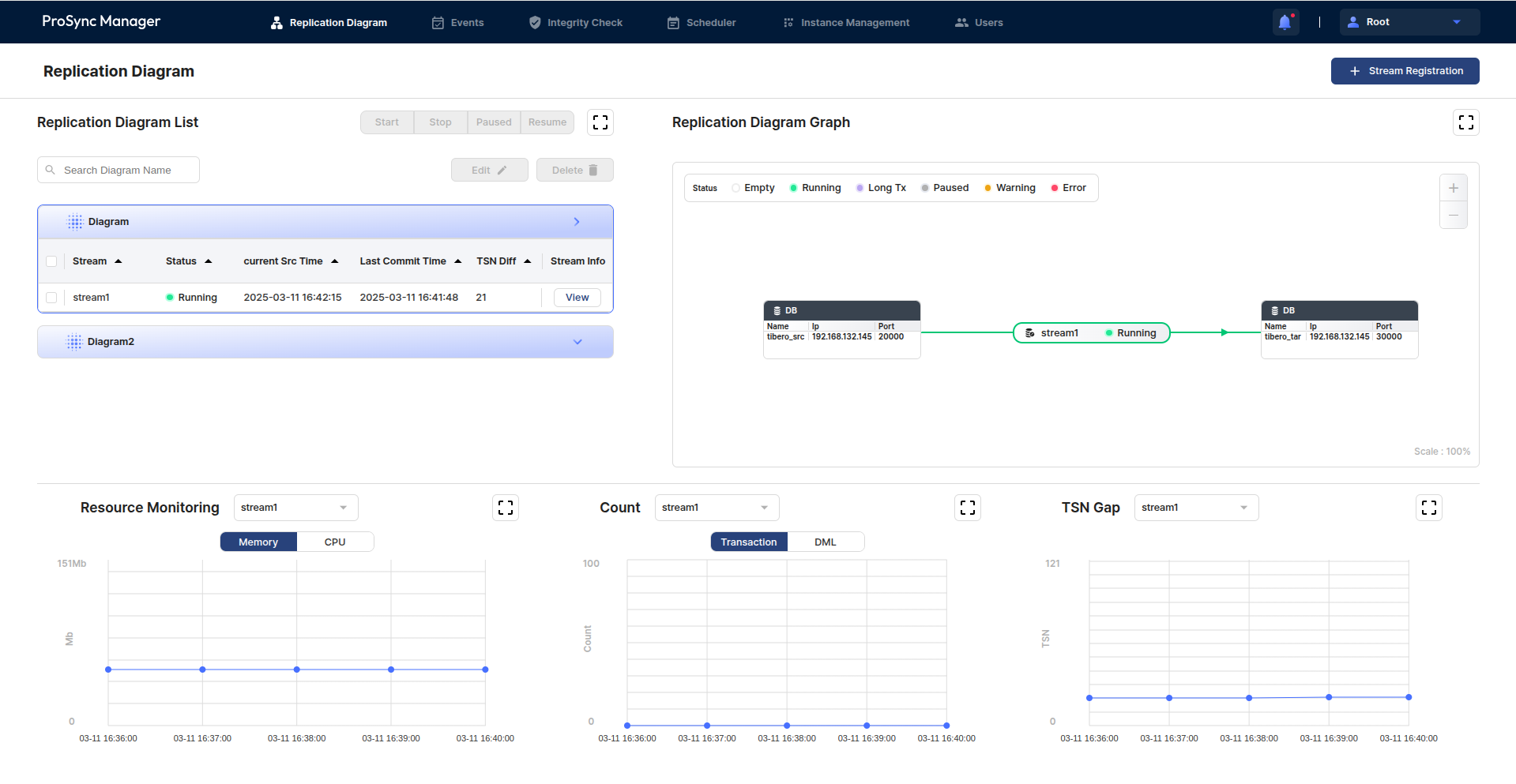
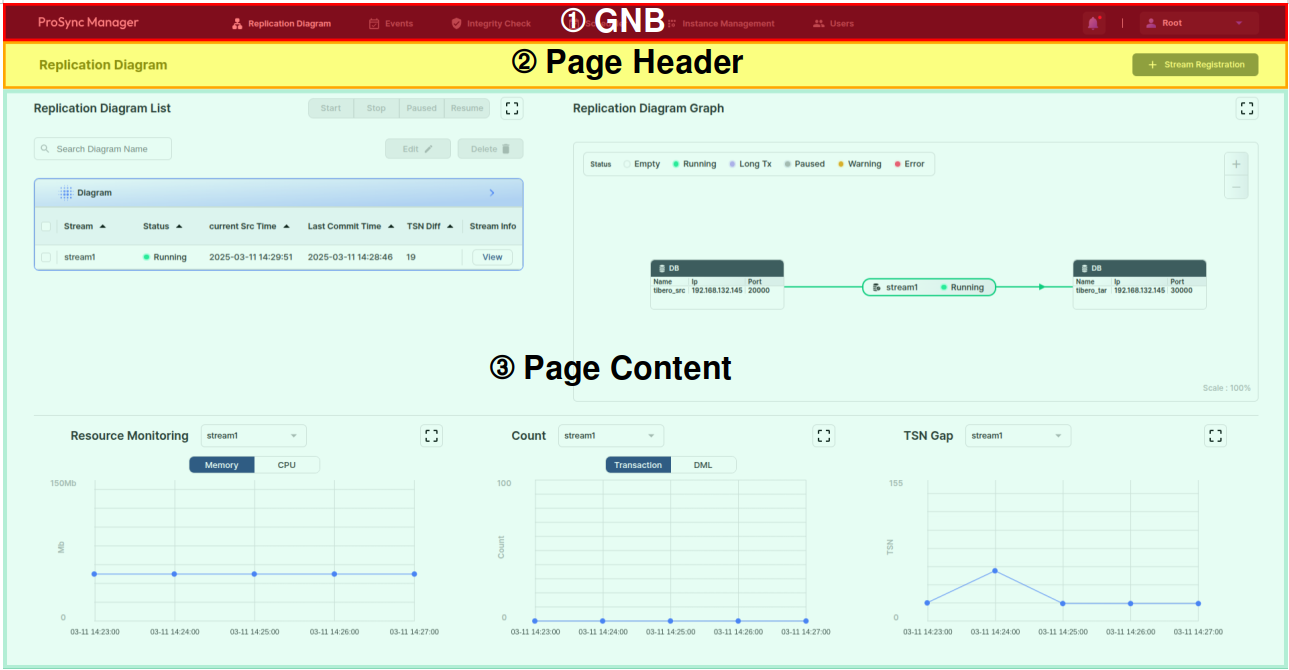
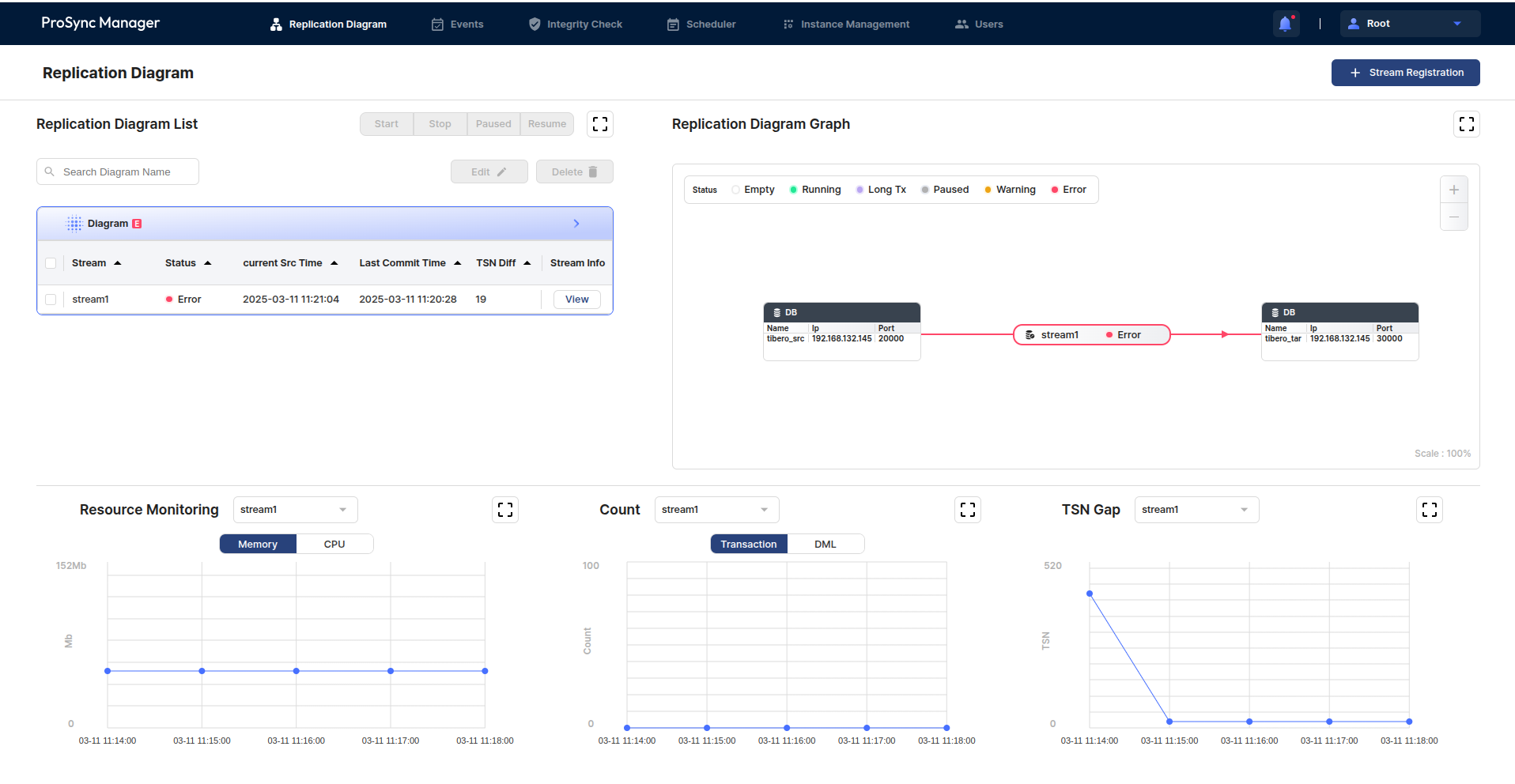
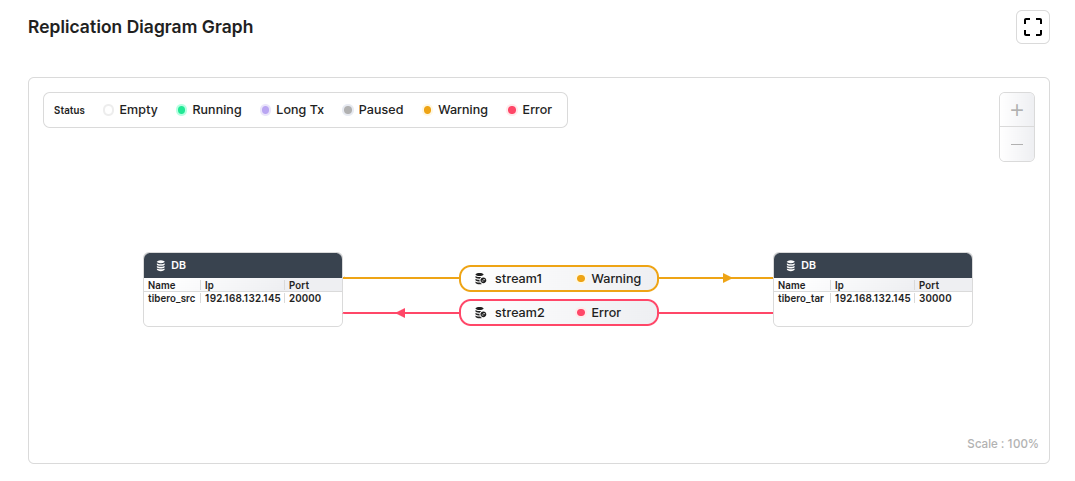
This section describes the Replication Diagram page, which is the main page of ProSync Manager.

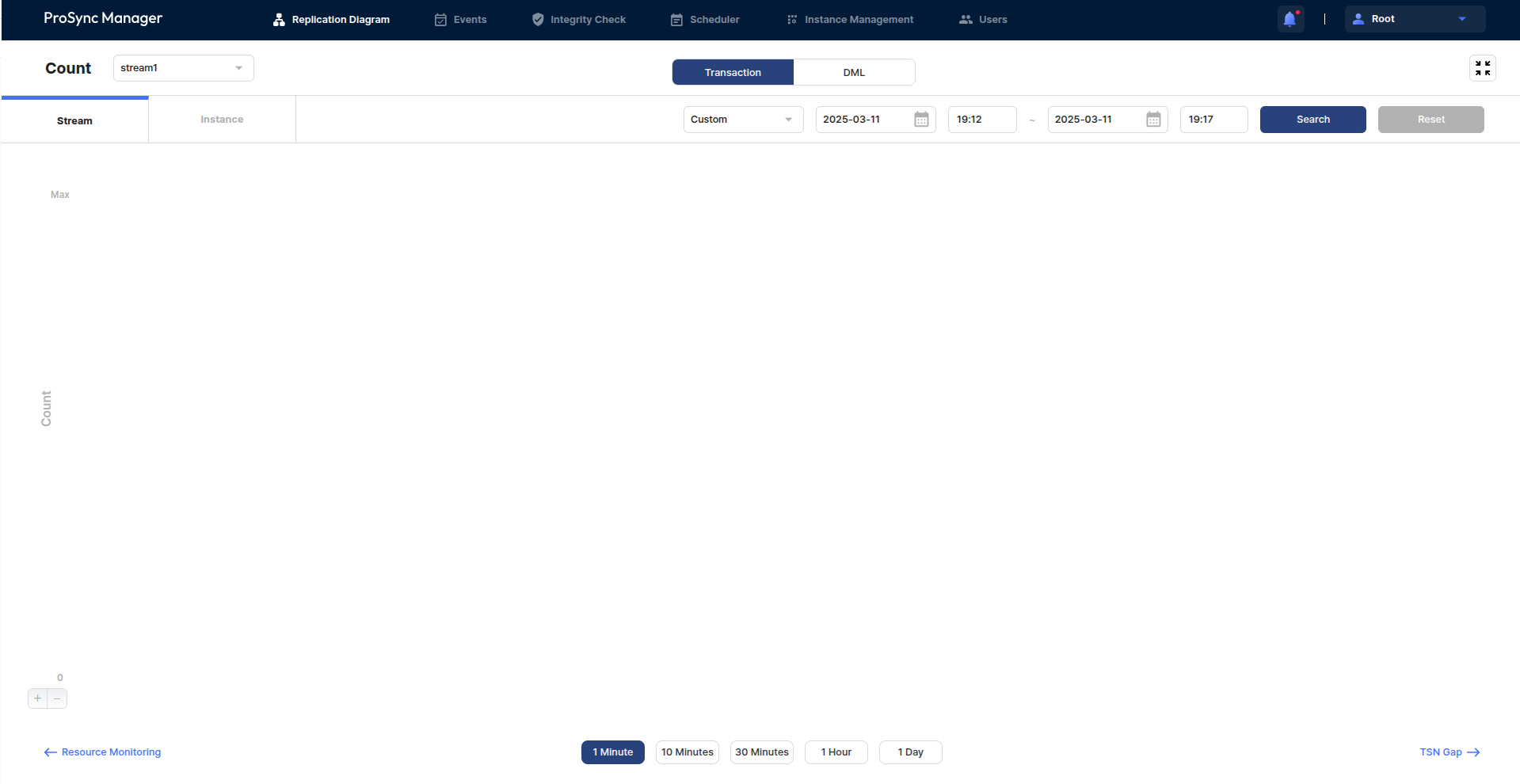
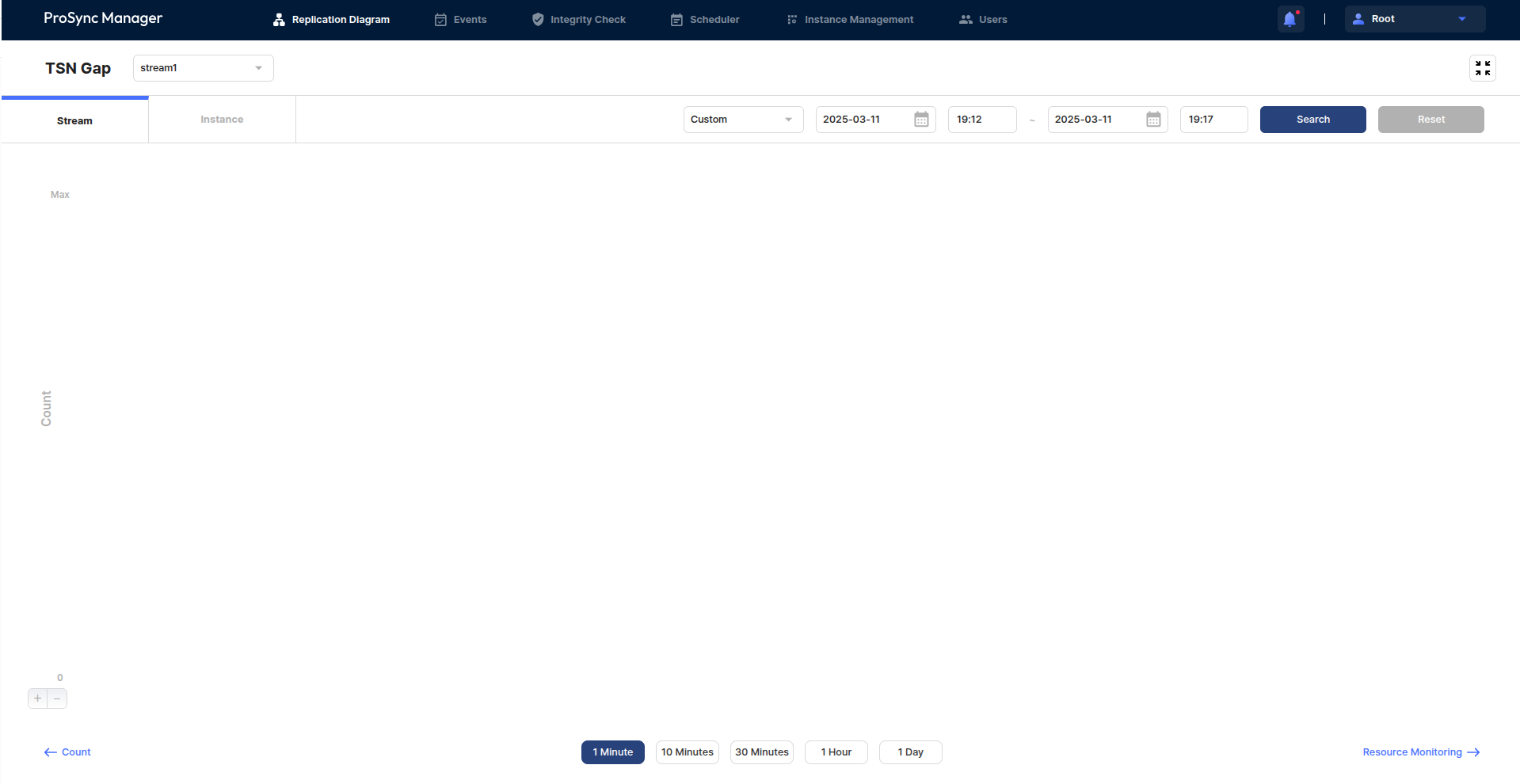
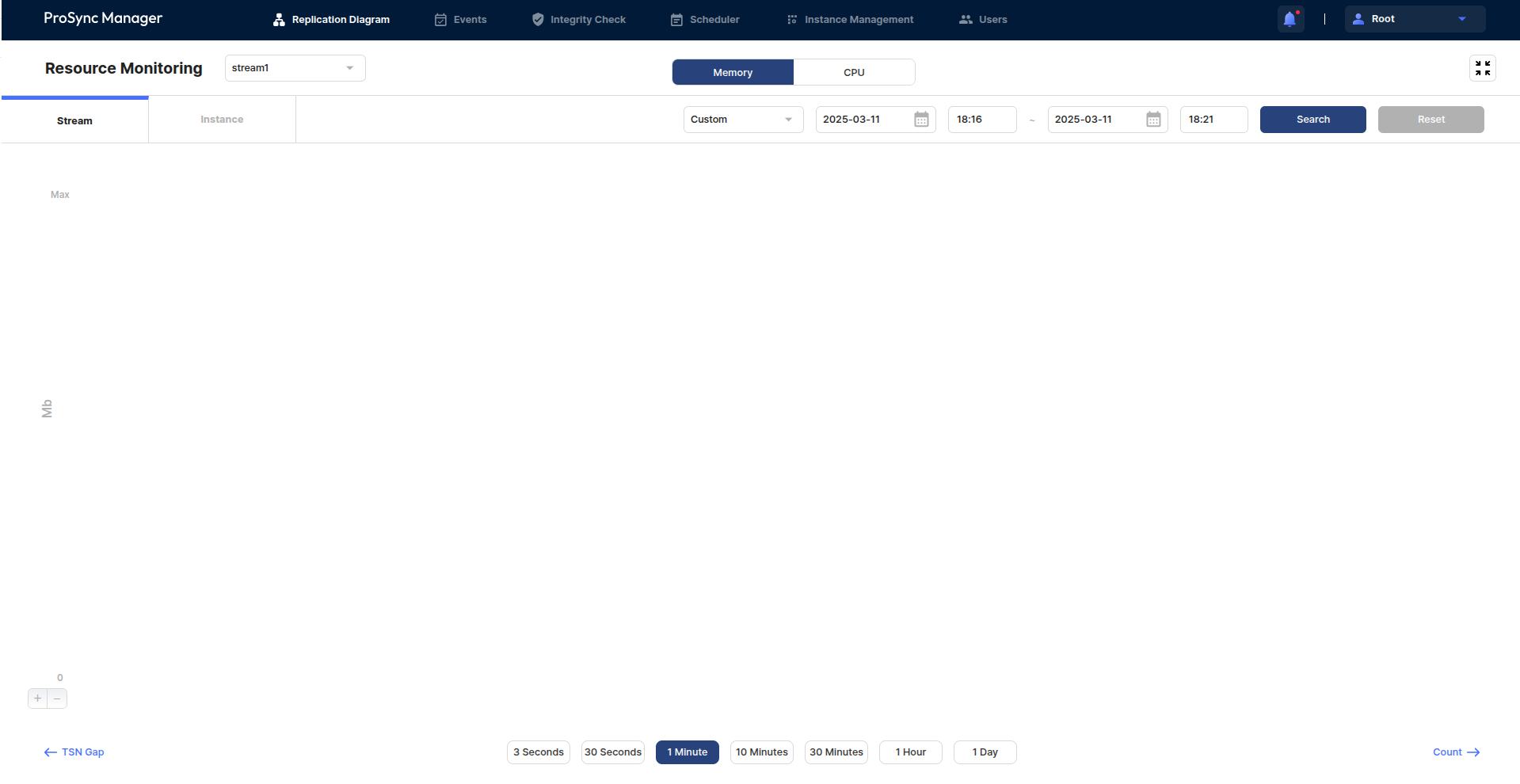

Describes the usage pf scripts of ProSync Manager.
Describes the constraints in ProSync Manager.
The following process describes the preparation for installing ProSync Manager.
$ prosyncmanager [COMMAND] [OPTION]export PRSMGR_HOME={PROSYNCMANAGER_INSTALLATION_PATH}
export PATH=$PATH:$JAVA_HOME/bin:$PRSMGR_HOME:$CATALINA_HOME/bin$ ./prosyncmanager help
###############################
pre-requisite:
1. PRSMGR_HOME
ex) export PRSMGR_HOME=`pwd`
2. intall.cfg
will use repoDB_dockername for starting docker container
###############################
commands:
help - show commands
prosyncmanager help
start - start prosyncmanager
prosyncmanager start [with-docker]
stop - stop prosyncmanager
prosyncmanager stop [with-docker]
status - check BE/FE/RepoDB status
prosyncmanager status
version - get BE/FE version
prosyncmanager version
###############################$ ./prosyncmanager start
Using CATALINA_BASE: /path/to/prsmgr_home/installation/apache-tomcat
Using CATALINA_HOME: /path/to/prsmgr_home/installation/apache-tomcat
Using CATALINA_TMPDIR: /path/to/prsmgr_home/installation/apache-tomcat/temp
Using JRE_HOME: /usr/lib/jvm/jdk1.8.0_311
Using CLASSPATH: /path/to/prsmgr_home/installation/apache-tomcat/conf:/path/to/prsmgr_home/installation/apache-tomcat/lib/*:/path/to/prsmgr_home/installation/apache-tomcat/bin/bootstrap.jar:/path/to/prsmgr_home/installation/apache-tomcat/bin/tomcat-juli.jar
Using CATALINA_OPTS:
Using CATALINA_PID: /path/to/prsmgr_home/installation/apache-tomcat/temp/tomcat.pid
Tomcat started.
prosyncmanager started$ ./prosyncmanager stop
Using CATALINA_BASE: /path/to/prsmgr_home/installation/apache-tomcat
Using CATALINA_HOME: /path/to/prsmgr_home/installation/apache-tomcat
Using CATALINA_TMPDIR: /path/to/prsmgr_home/installation/apache-tomcat/temp
Using JRE_HOME: /usr/lib/jvm/jdk1.8.0_311
Using CLASSPATH: /path/to/prsmgr_home/installation/apache-tomcat/conf:/path/to/prsmgr_home/installation/apache-tomcat/lib/*:/path/to/prsmgr_home/installation/apache-tomcat/bin/bootstrap.jar:/path/to/prsmgr_home/installation/apache-tomcat/bin/tomcat-juli.jar
Using CATALINA_OPTS:
Using CATALINA_PID: /path/to/prsmgr_home/installation/apache-tomcat/temp/tomcat.pid
Tomcat stopped.
prosyncmanager stopped$ ./prosyncmanager status
server ... not ok
prsmgr_web ... not ok
repoDB ... ok$ ./prosyncmanager version
server ... {
"commit": "9da481d5",
"tag": "v4.2",
"mergeRequest": "!60",
"buildTime": "2025-04-28T03:12:23Z"
}
prsmgr_web ... {
"commit": "2a8e0f5",
"tag": "4.1",
"mergeRequest": "!14",
"buildTime": "2025-04-28T03:12:30Z"
}$ ./ResetPassword.sh --dbuser [dbuser] --dbpassword [dbpassword] --dbname [dbname] --host [host] --port [port] --target [target]$ sudo ./ResetPassword.sh --dbuser repo_user --dbpassword password --dbname prosyncmanager --host 192.1.3.112 --port 13852 --target admin
Running command: java -jar /home/mujin_gwak/develop/prsmanager/prosyncmanager/installation/repodb/Resetter.jar --dbuser "repo_user" --dbpassword "password" --dbname "prosyncmanager" --host "192.1.3.112" --port "13852" --target "admin"
This app is running on Unix
Password updated successfully!
Reset completed, new password is set for admin.
Password: 17]x;Vi1aMI,
Please change the password after login.docker exec -it {REPODB_DOCKERNAME} psql -U {REPODB_USERNAME} {REPODB_DBNAME}
Password for user repo_user: {REPODB_PASSWORD}alter user {REPODB_USERNAME} with password '{REPODB_PASSWORD}'# $PRSMGR_HOME/prosyncmanager.properties
...
# REPO DB
REPODB_USERNAME={REPODB_USERNAME}
REPODB_PASSWORD={REPODB_PASSWORD} # Enter changed password here
REPODB_IP={REPODB_IP}
REPODB_PORT={REPODB_PORT}
REPODB_DBNAME={REPODB_DBNAME}
...
Describes the login screen.
This chapter describes features used in ProSync Manager.
installation/
├── ResetPassword.sh
├── apache-tomcat.tar.gz
├── install.cfg
├── install.log
├── install.sh
├── license
│ ├── LICENSE.txt
│ └── LICENSE_FONT.txt
├── logs
├── prosyncmanager
├── prosyncmanager.properties
├── prosyncmanager.properties.template
├── prsmgr_meta.sql
├── repodb
│ ├── Encryptor.jar
│ ├── Resetter.jar
│ ├── install_repo.sh
│ ├── repoDB.yml
│ ├── repoDB_no_vol.yml
│ ├── repodb_image.tar.aa
│ ├── repodb_image.tar.ab
│ ├── repodb_image.tar.ac
│ ├── repodb_image.tar.ad
│ ├── repodb_image.tar.ae
│ ├── repodb_image.tar.af
│ ├── repodb_image.tar.ag
│ ├── repodb_image.tar.ah
│ ├── repodb_image.tar.ai
│ ├── repodb_image.tar.aj
│ ├── repodb_image.tar.ak
│ └── vars.yml
├── tomcat_logs
├── verify
└── wars
├── prsmgr_web.war
└── server.war
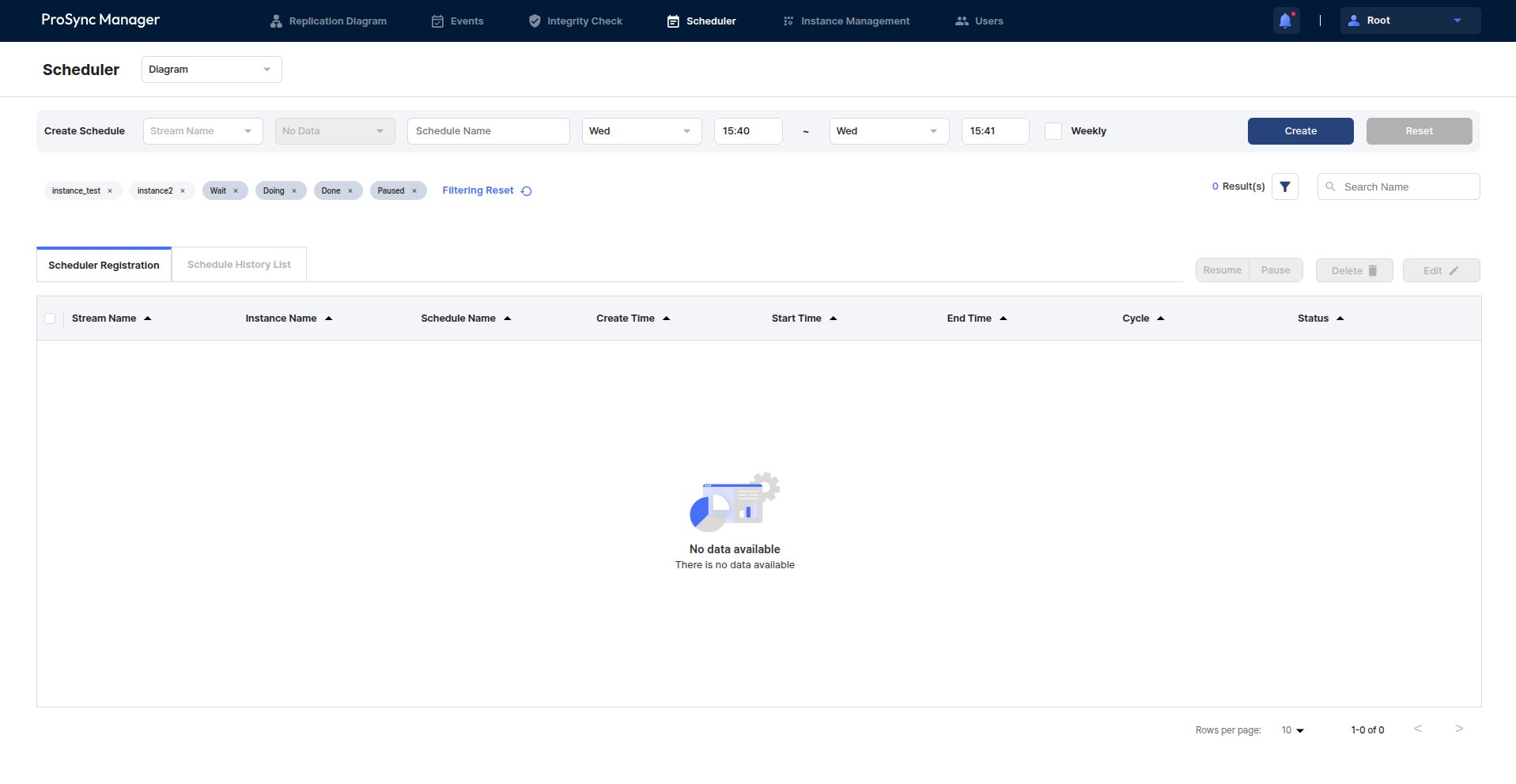
This section introduces the Scheduler page, which is related to the ability to schedule ProSync's Instance state changes.
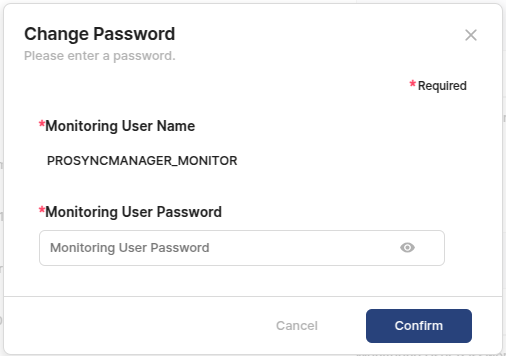
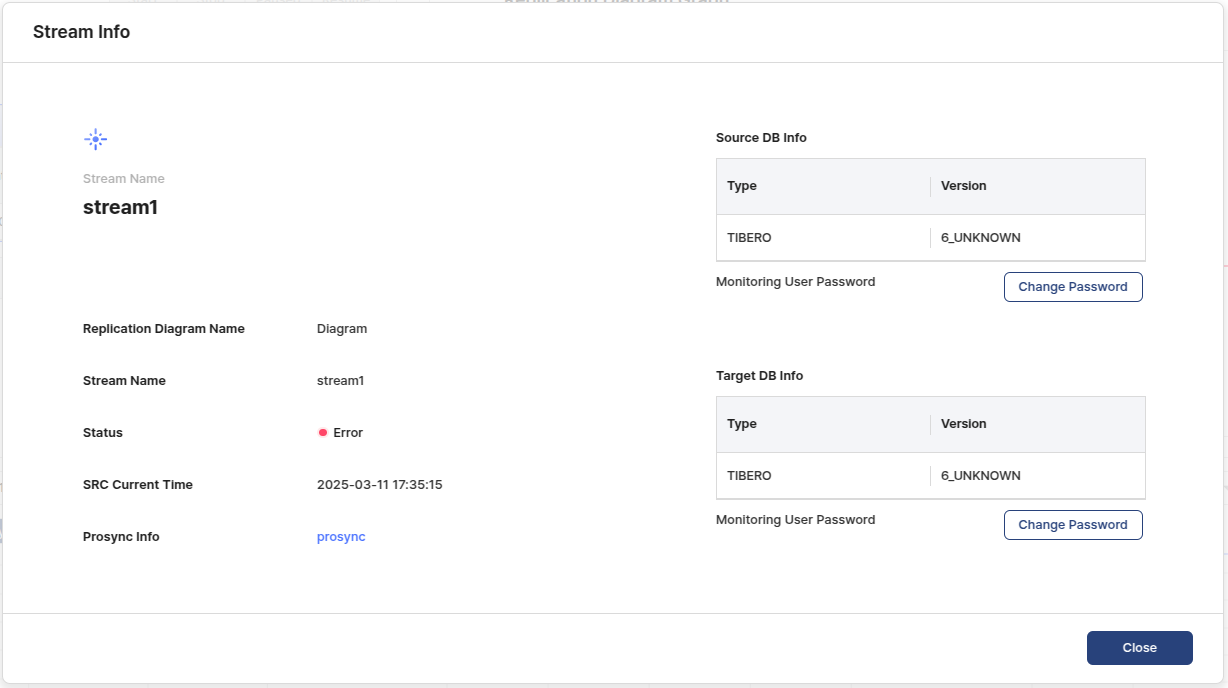
Describes the user used for monitoring in ProSync Manager.
The following are the information about installing ProSync Manager.
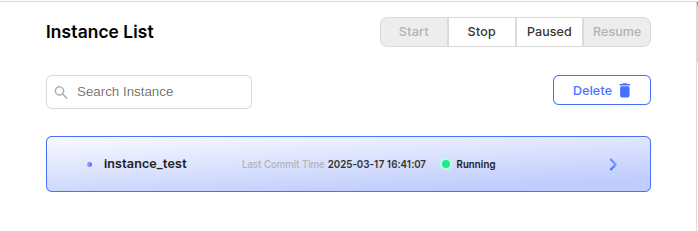



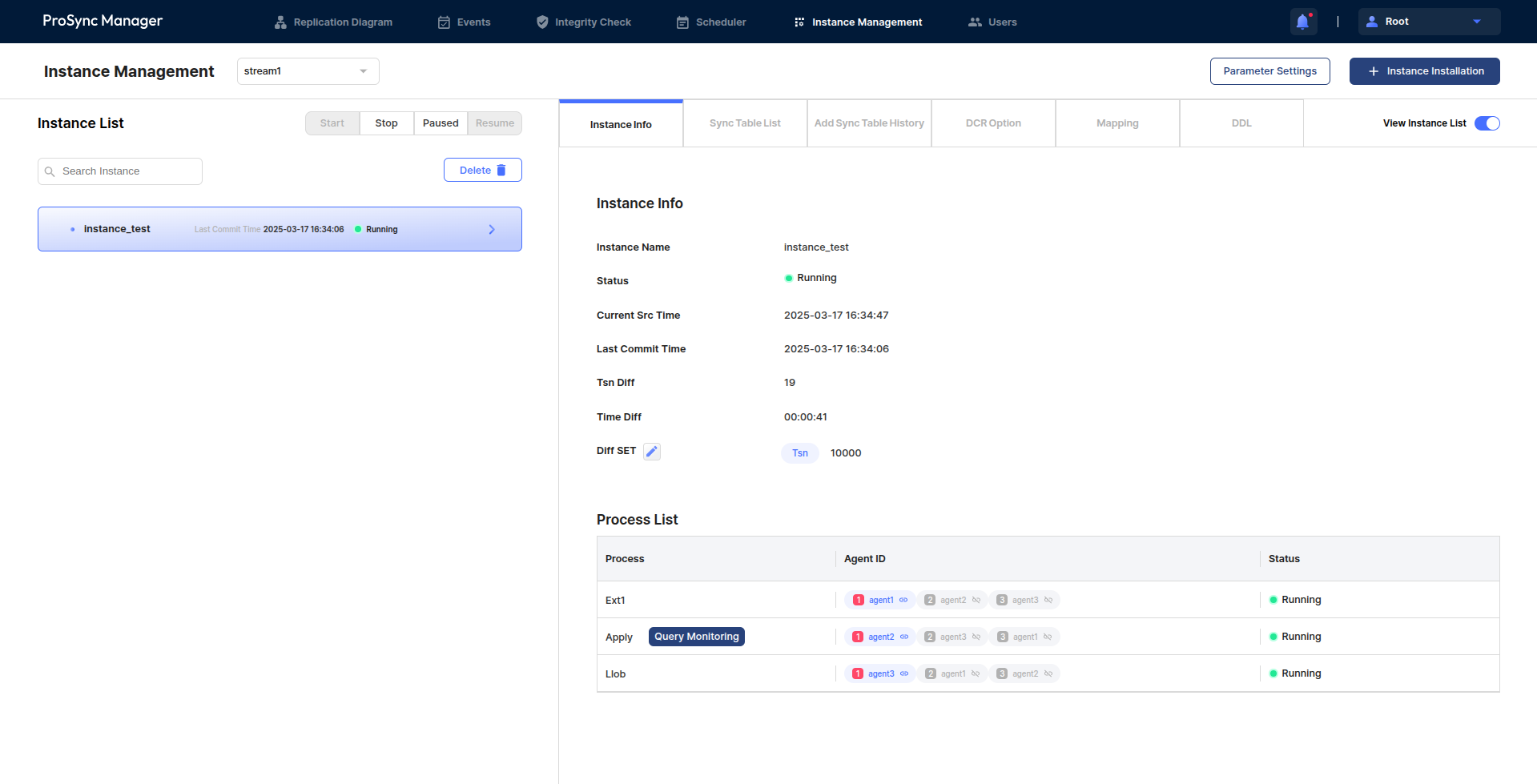
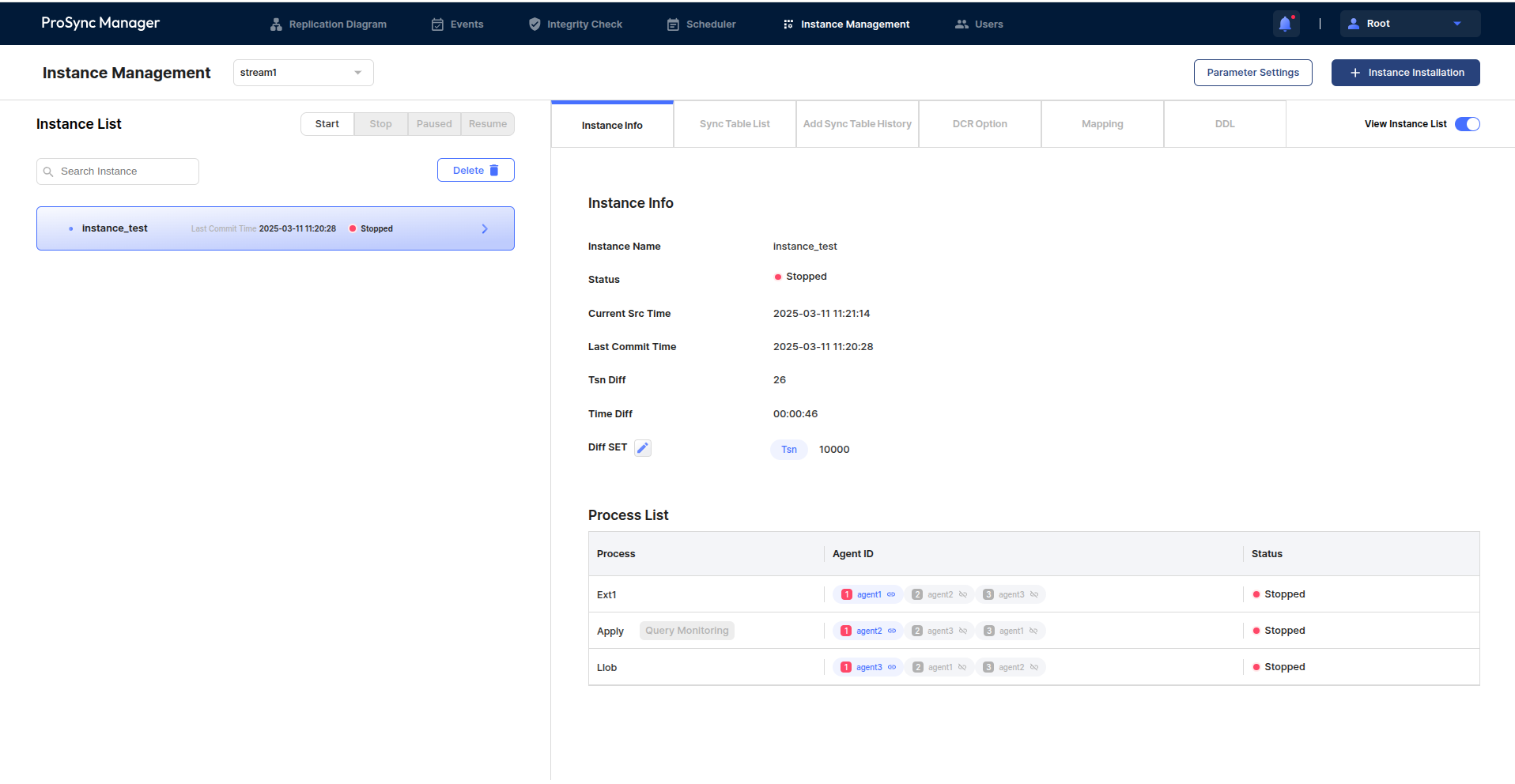
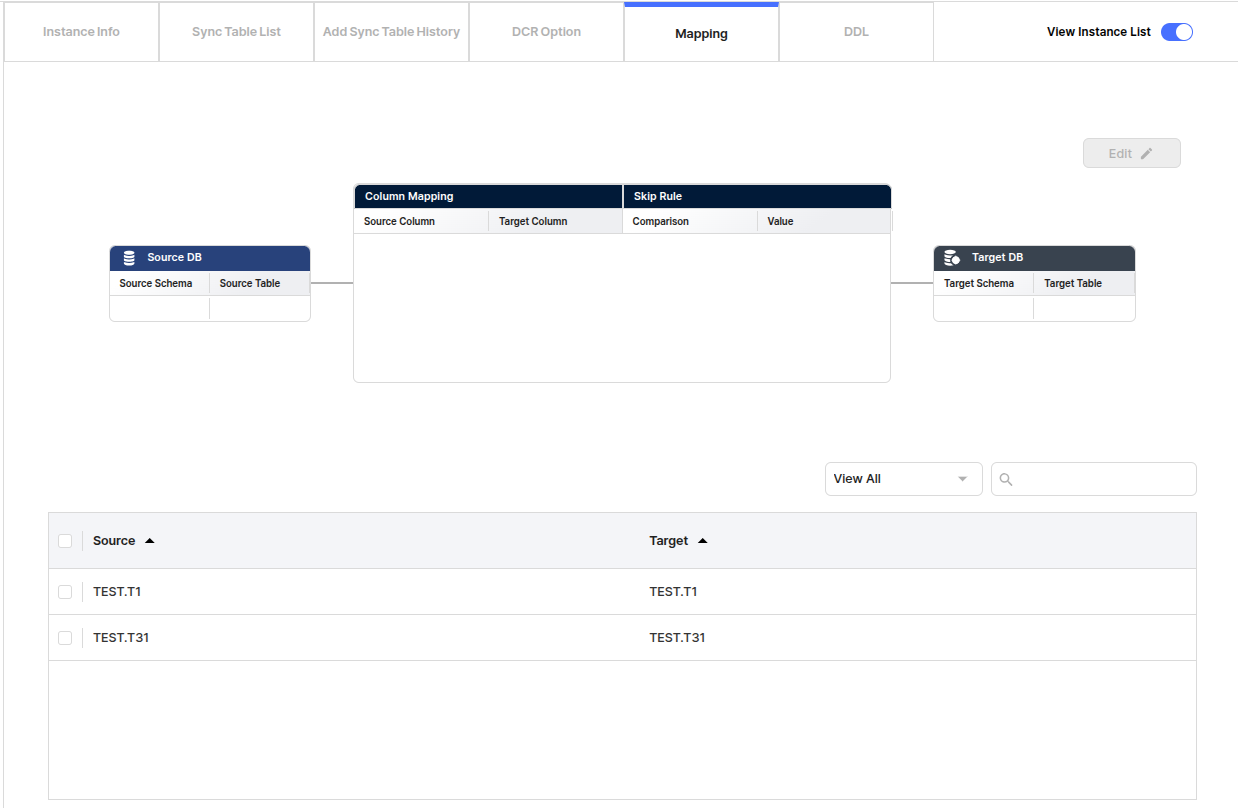
Describes installing and registering Instance.
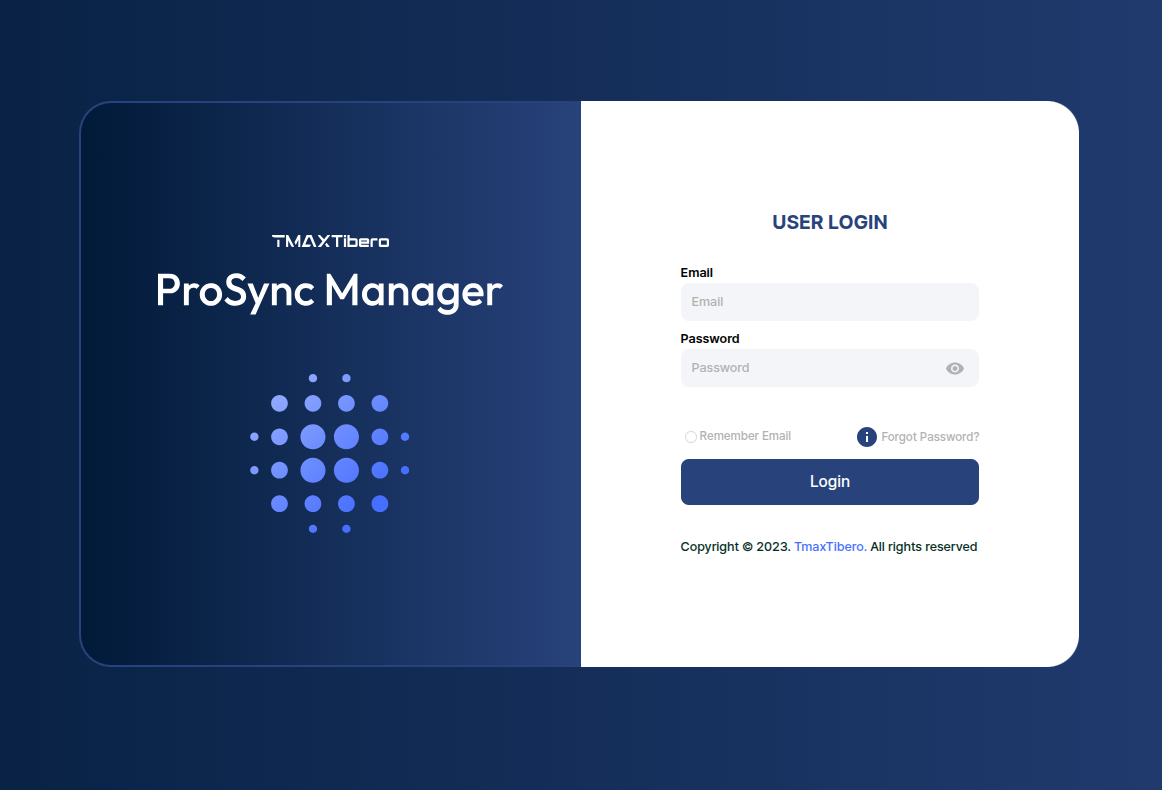
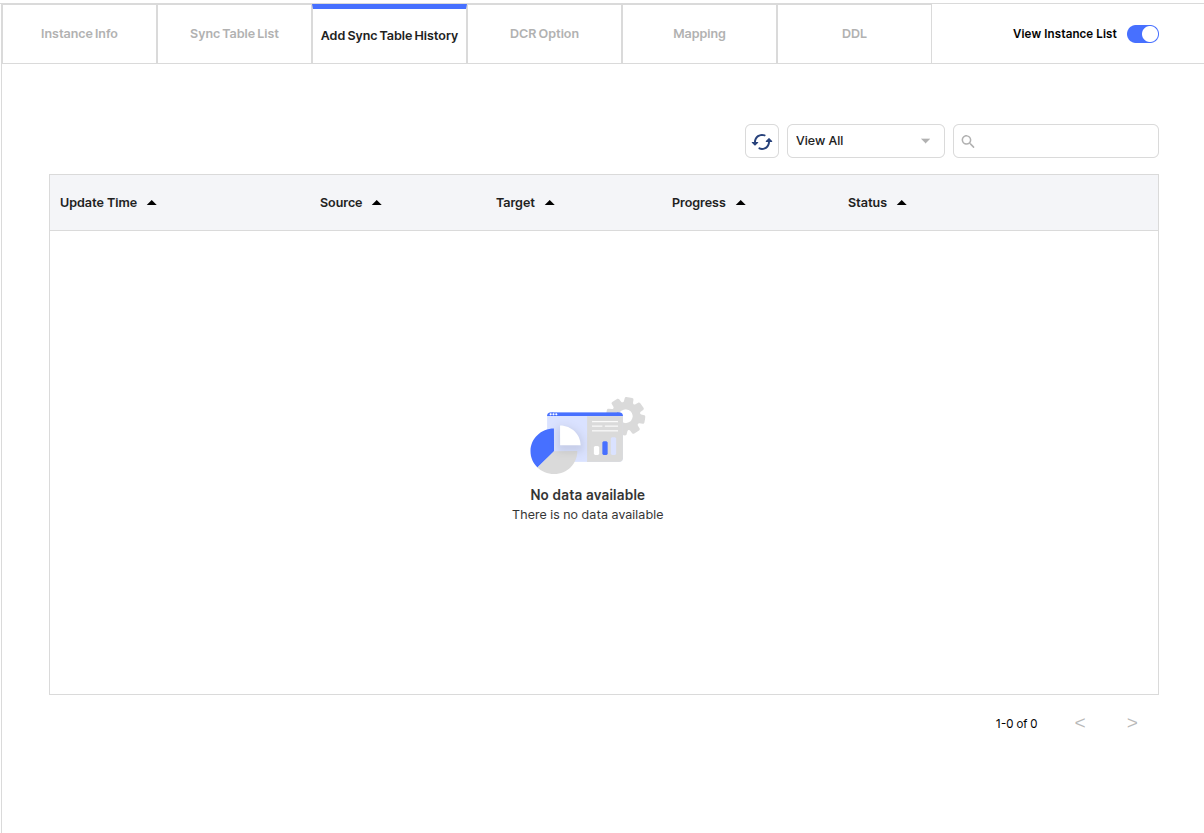
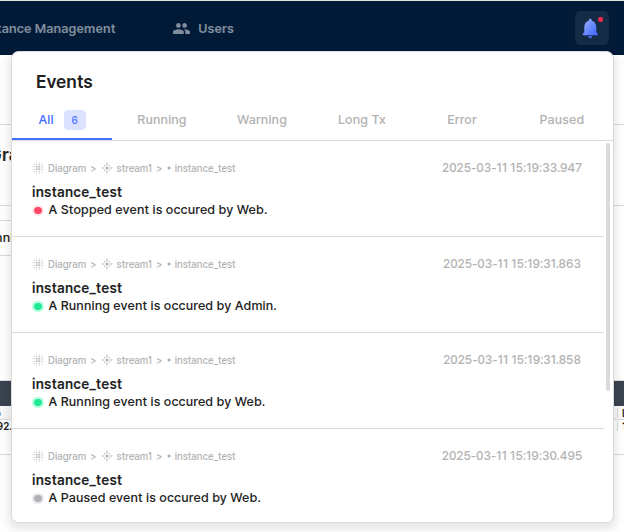

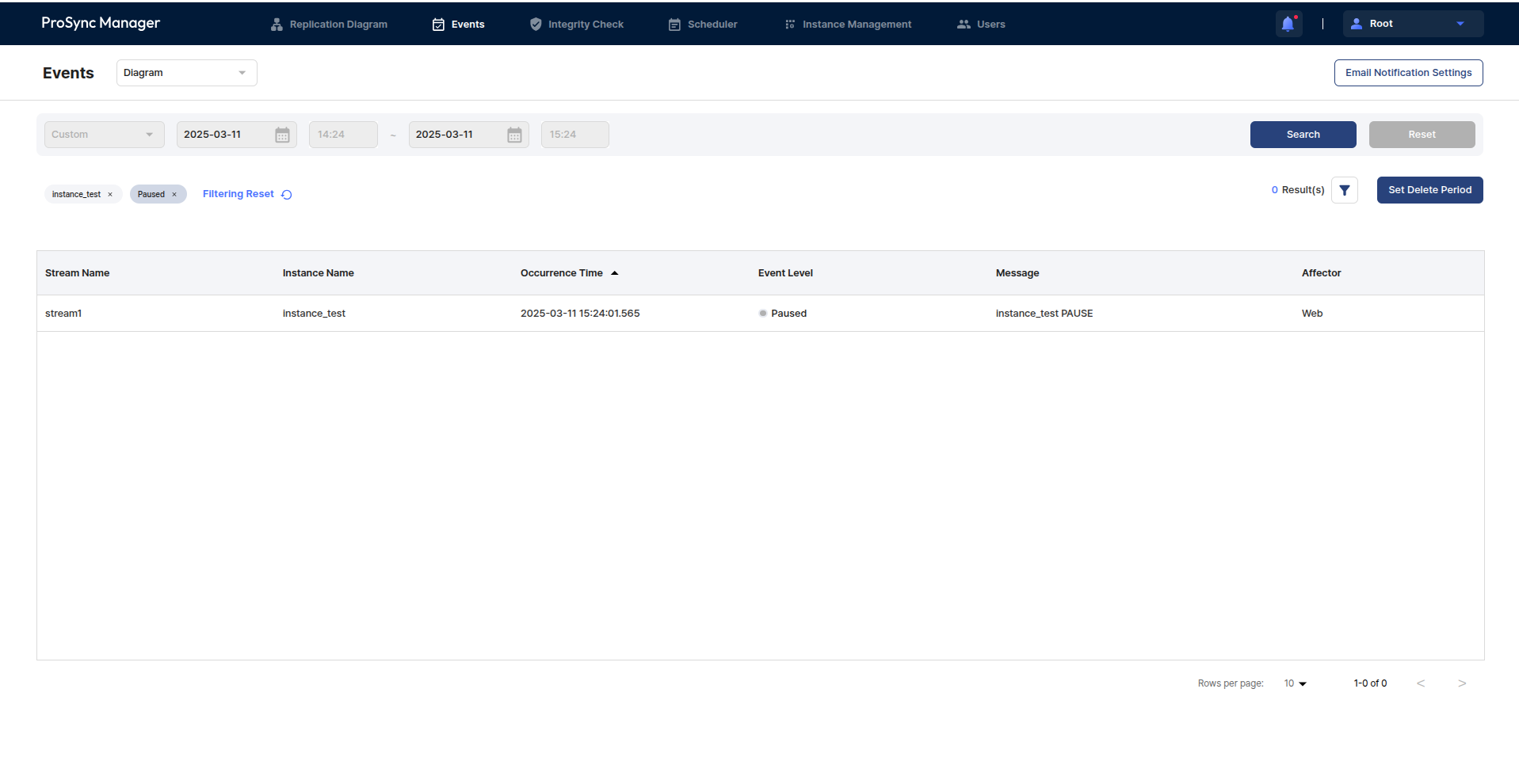
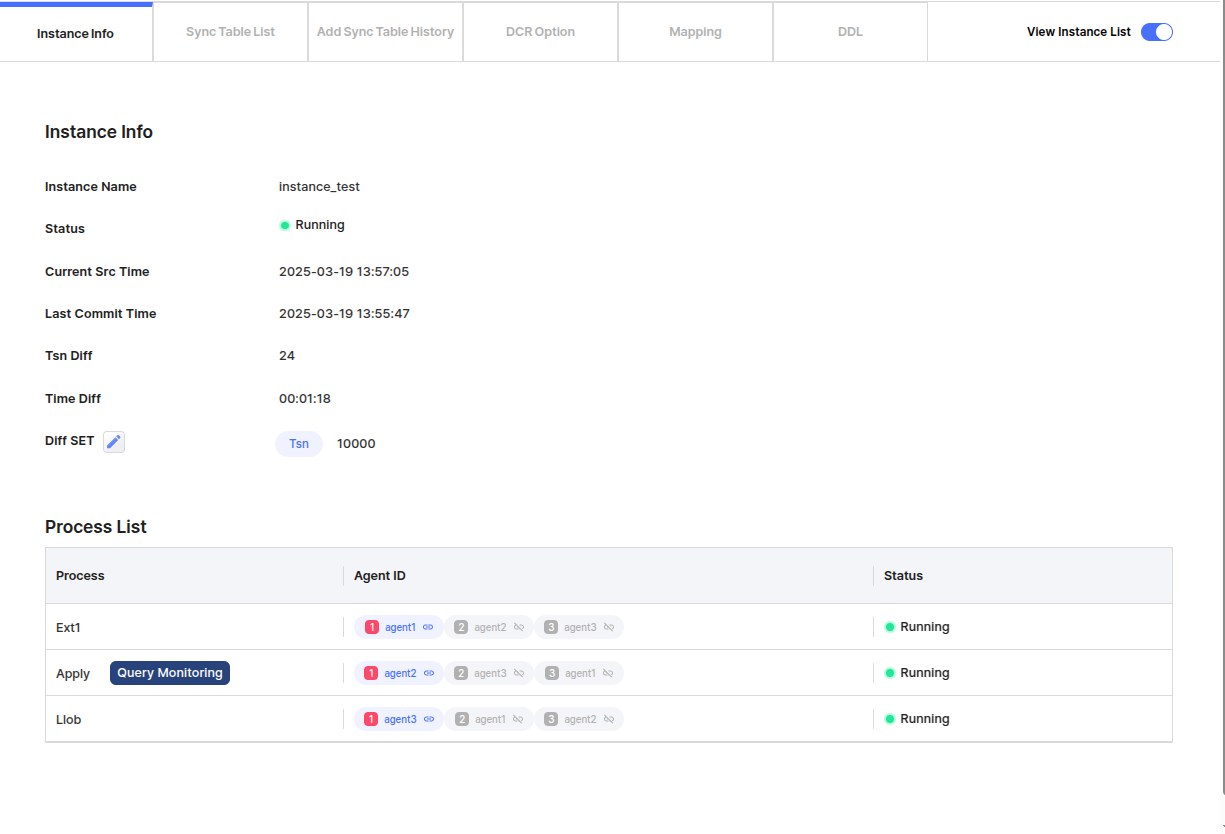

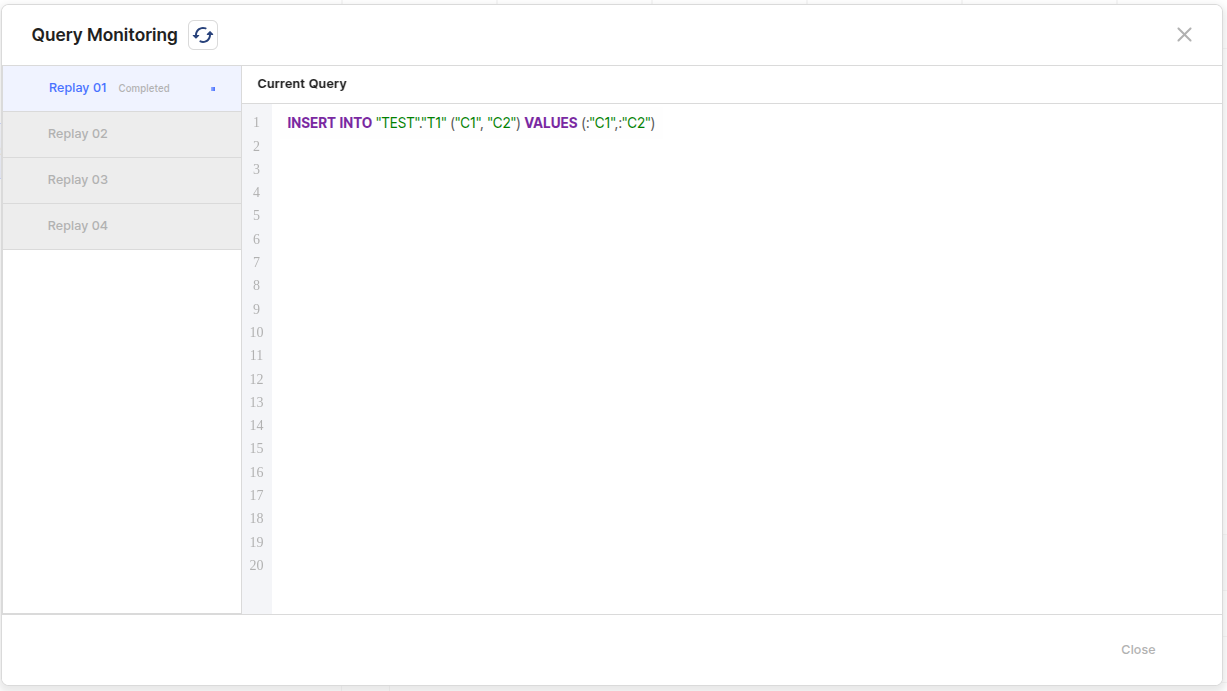
Describes the process of installing ProSync Manager.
ROOT_ID=admin
ROOT_PW=admin
SERVER_IP=localhost
SERVER_PORT=8080
REPODB_IP=localhost
REPODB_PORT=13852
REPODB_USERNAME=repo_user
REPODB_PASSWORD=password
REPODB_DBNAME=prosyncmanager
REPODB_DOCKERNAME=prosyncmanager
# set at the same time when mounting the repodb volume
#REPODB_PATH=$PRSMGR_HOME/repodb/data
#REPODB_LOG_PATH=$PRSMGR_HOME/repodb/log
# for repoDB management
REPODB_SUPERUSER_NAME=prsmgr_superuser
REPODB_SUPERUSER_PASSWORD=prsmgr_password
# for repoDB shared buffers(B, kB, MB, GB, TB)
# 0 is the setting that makes it determined based on the value according to the system memory.
REPODB_SHARED_BUFFERS=0
# if you need, enable and type the path to jar
# JDBC_ORACLE=/path/to/ojdbc.jar
# Optional: if the Oracle database uses a character set not included in the JDBC driver, add orai18n jar (e.g., KO16MSWIN949)
# JDBC_ORACLE_I18N=/path/to/orai18n.jar
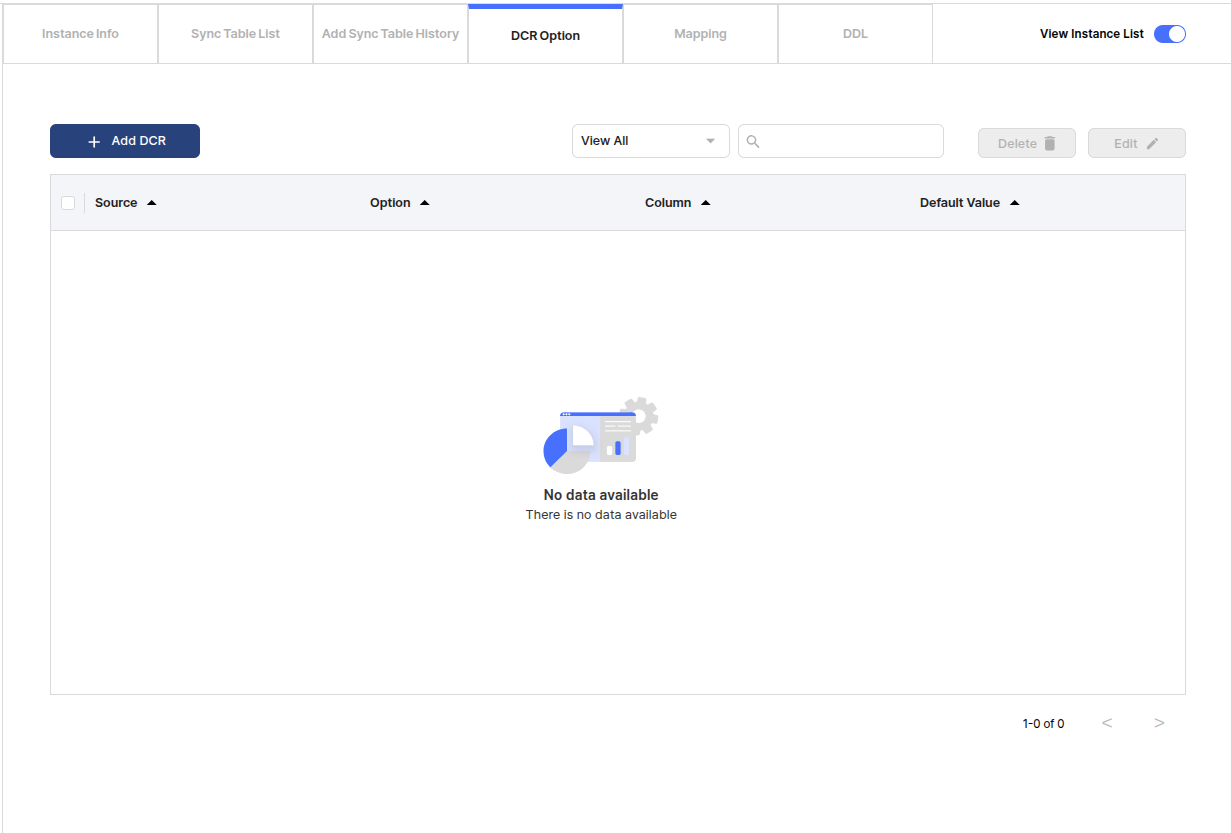
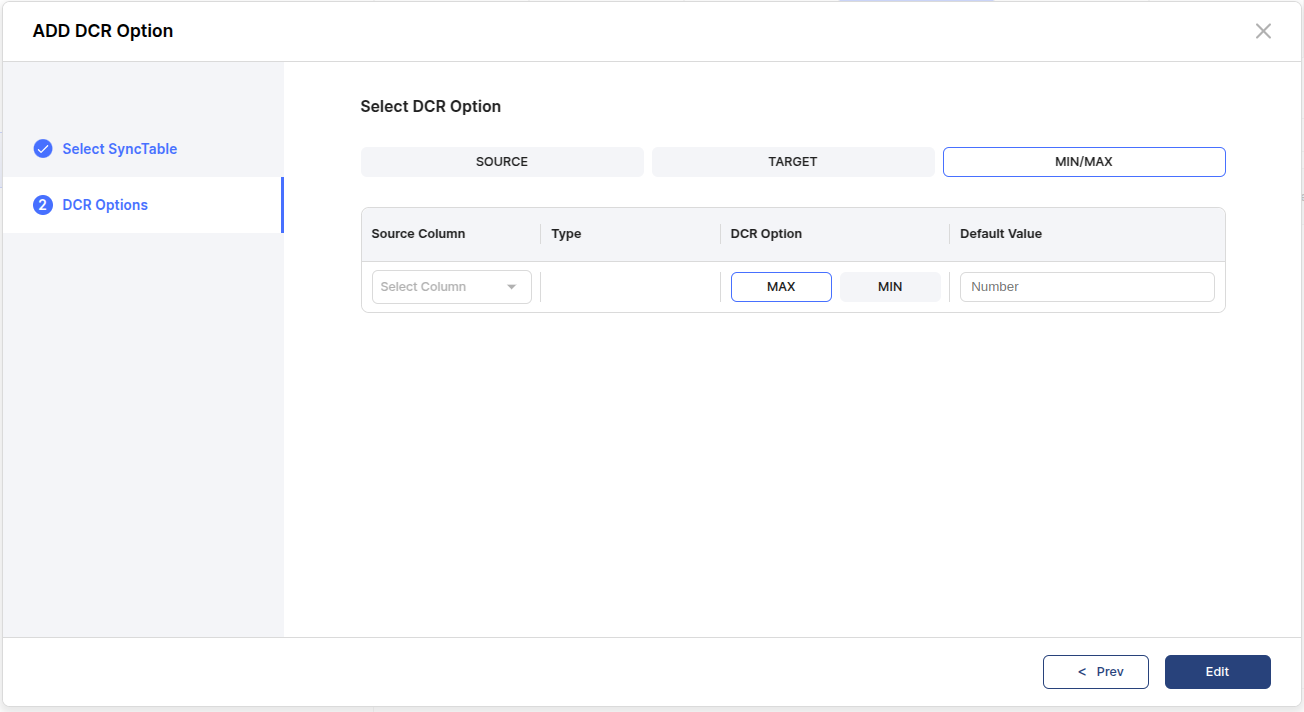
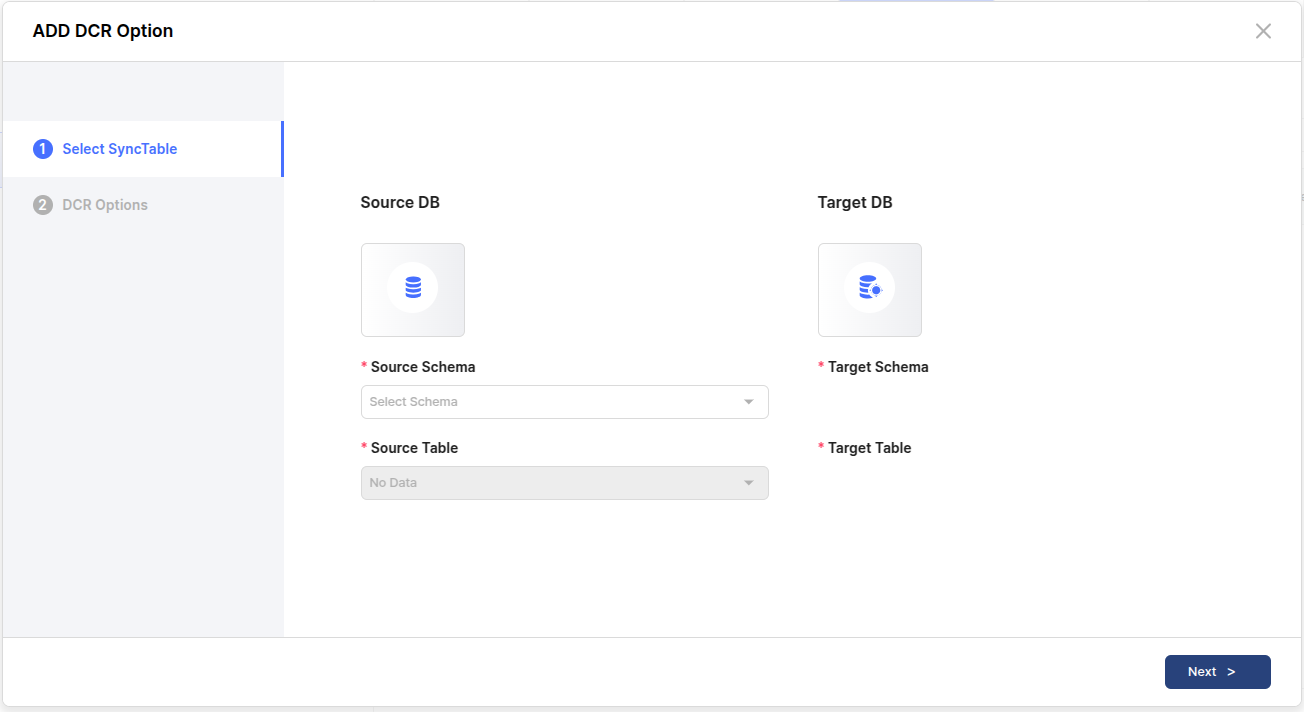
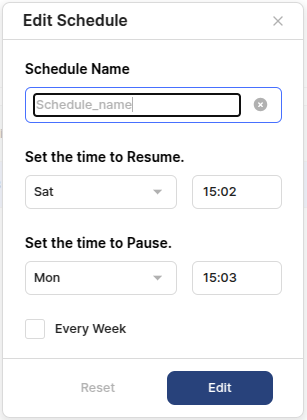
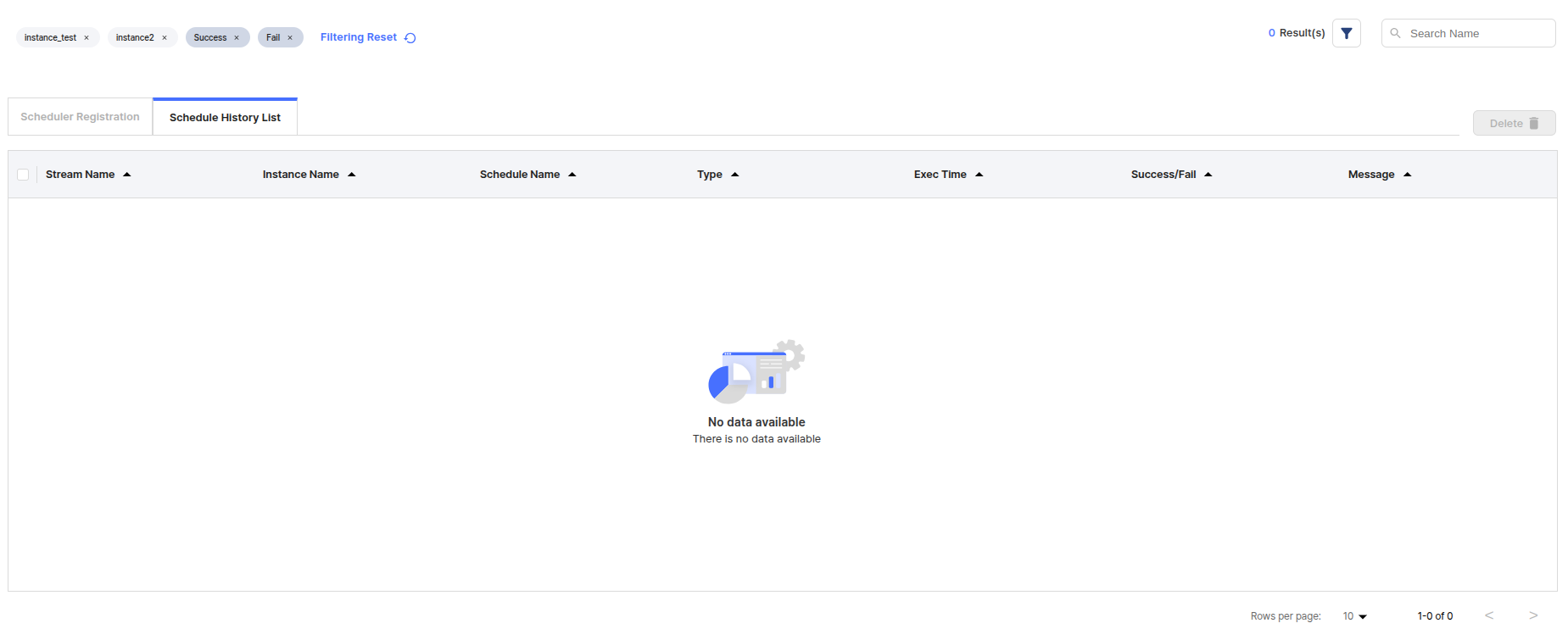
. $PRSMGR_HOME/install.sh$ . $PRSMGR_HOME/install.sh
want to clean previously deployed application? (y/n): y
**********************************************************************
* clean webapps directory
**********************************************************************
clean webapps directory complete
install repoDB? (y/n): y
**********************************************************************
* install repoDB
**********************************************************************
there's container whose name is 'prosyncmanager'
want remove container (y/n): y
8288a8287696
8288a8287696
container whose name is 'prosyncmanager' removed
container prosyncmanager created
==============================DOCKER LOG==============================
...
repoDB created
...
============================DOCKER LOG END============================
repoDB restarted
**********************************************************************
* create meta tables
**********************************************************************
meta tables created
**********************************************************************
* create superuser
**********************************************************************
superuser created
**********************************************************************
* restart repoDB
**********************************************************************
repoDB started
**********************************************************************
* repoDB install finished
**********************************************************************
repoDB install complete
**********************************************************************
* Extract Tomcat
**********************************************************************
Applying SERVER_PORT to tomcat server.xml...
Copying WAR files to the webapps directory...
**********************************************************************
* Configure Tomcat
**********************************************************************
PRSMGR_HOME=/path/to/prsmgr_home
CATALINA_BASE=/path/to/prsmgr_home/apache-tomcat
CATALINA_HOME=/path/to/prsmgr_home/apache-tomcat
CATALINA_PID=/path/to/prsmgr_home/apache-tomcat/temp/tomcat.pid
start server? (y/n): y
Starting Tomcat...
Using CATALINA_BASE: /path/to/prsmgr_home/apache-tomcat
Using CATALINA_HOME: /path/to/prsmgr_home/apache-tomcat
Using CATALINA_TMPDIR: /path/to/prsmgr_home/apache-tomcat/temp
Using JRE_HOME: /usr/lib/jvm/jdk1.8.0_311
Using CLASSPATH: /path/to/prsmgr_home/apache-tomcat/conf:/path/to/prsmgr_home/apache-tomcat/lib/*:/path/to/prsmgr_home/apache-tomcat/bin/bootstrap.jar:/path/to/prsmgr_home/apache-tomcat/bin/tomcat-juli.jar
Using CATALINA_OPTS:
Using CATALINA_PID: /path/to/prsmgr_home/apache-tomcat/temp/tomcat.pid
Tomcat started.
prosyncmanager started
**********************************************************************
* Install Done.
* URL : http://localhost:8080/
* ID / PW : admin/admin
**********************************************************************
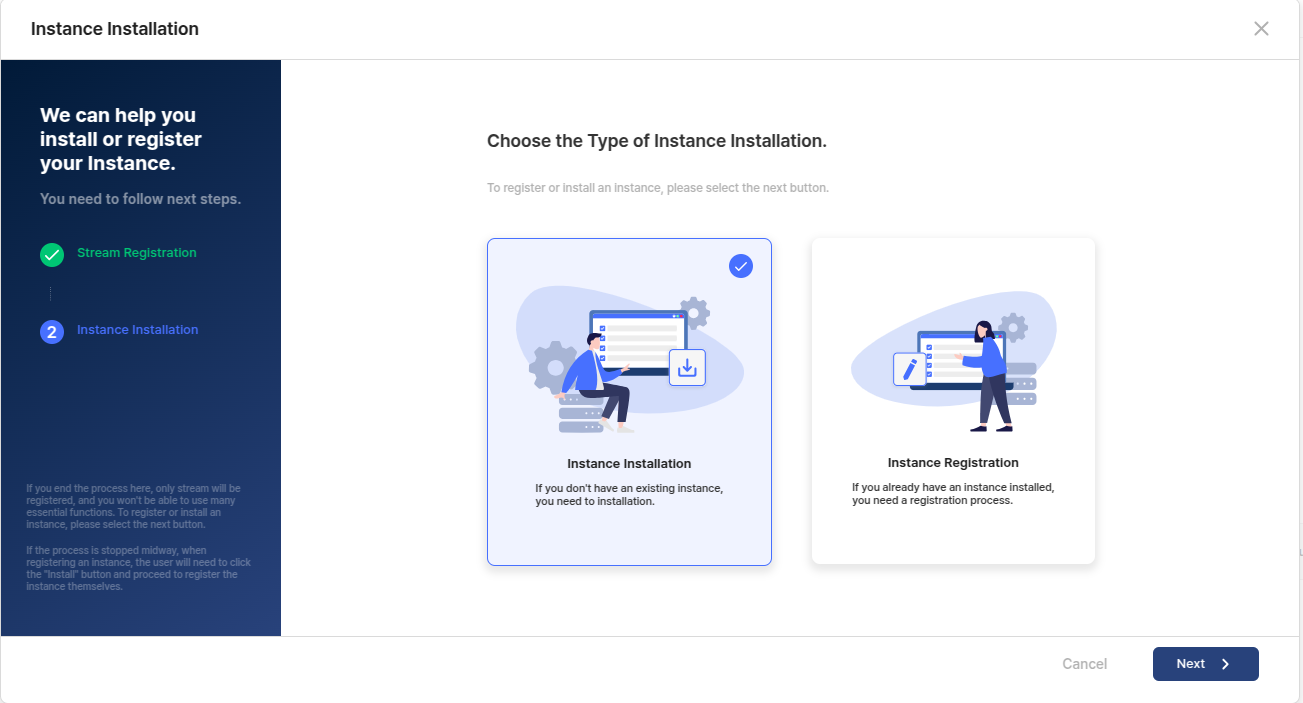
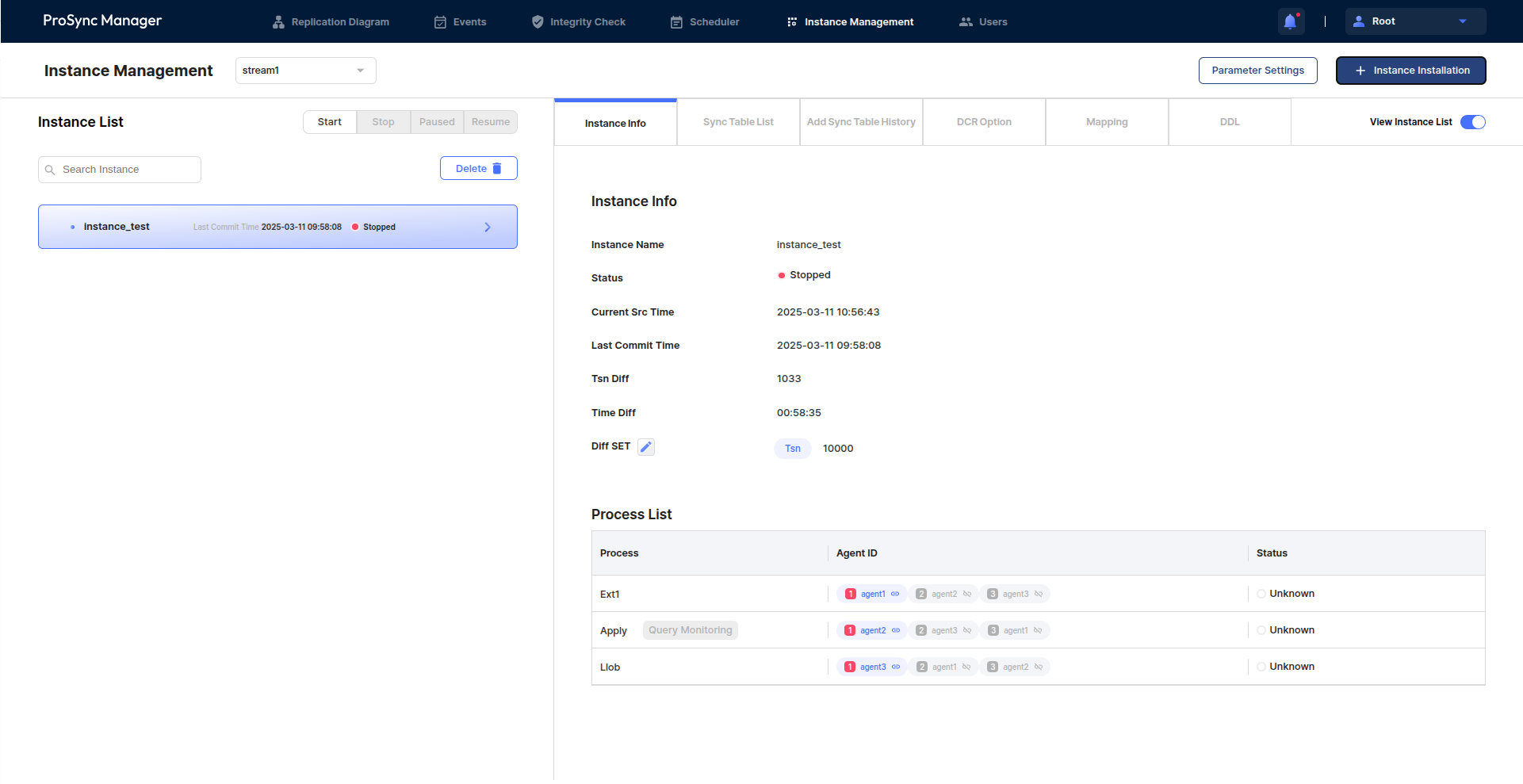
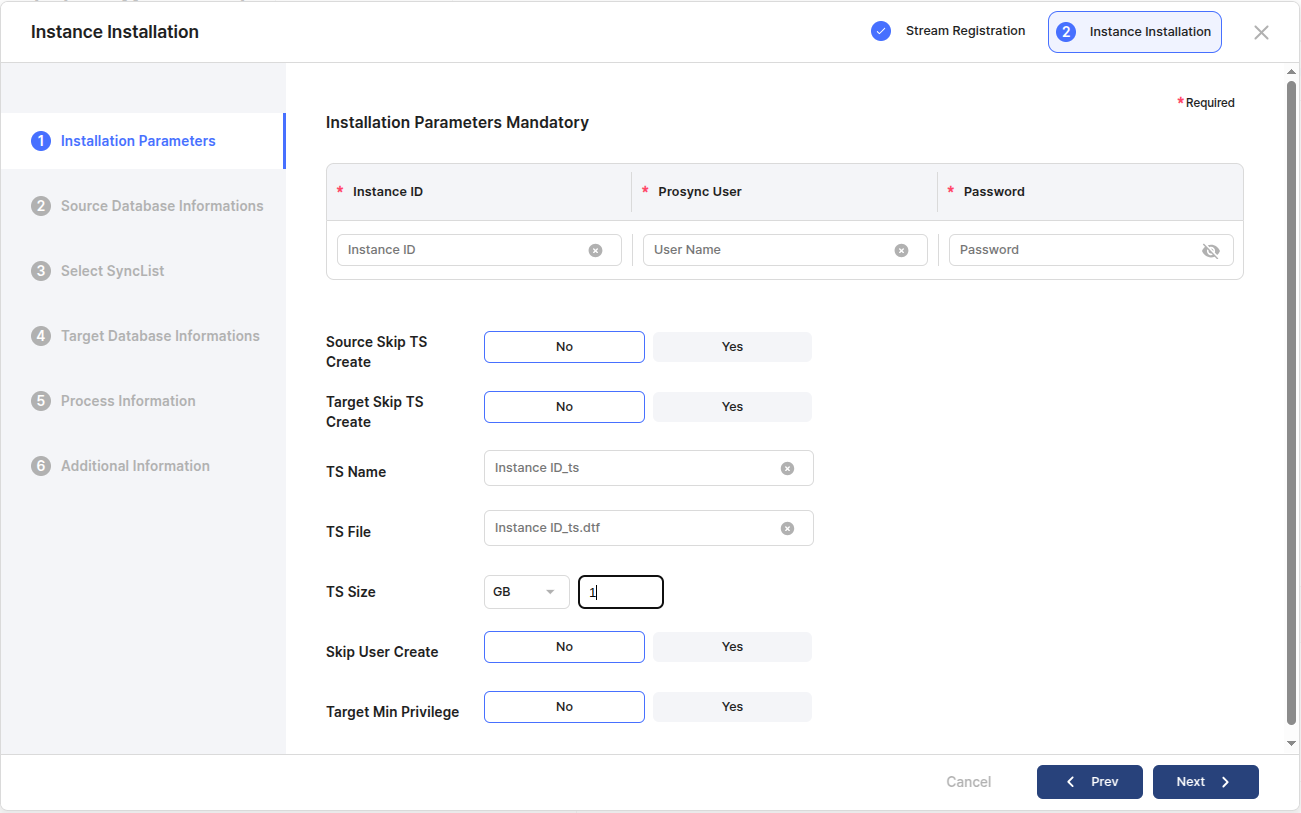
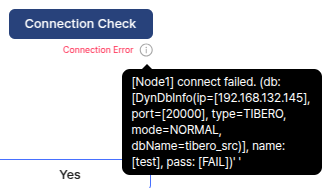
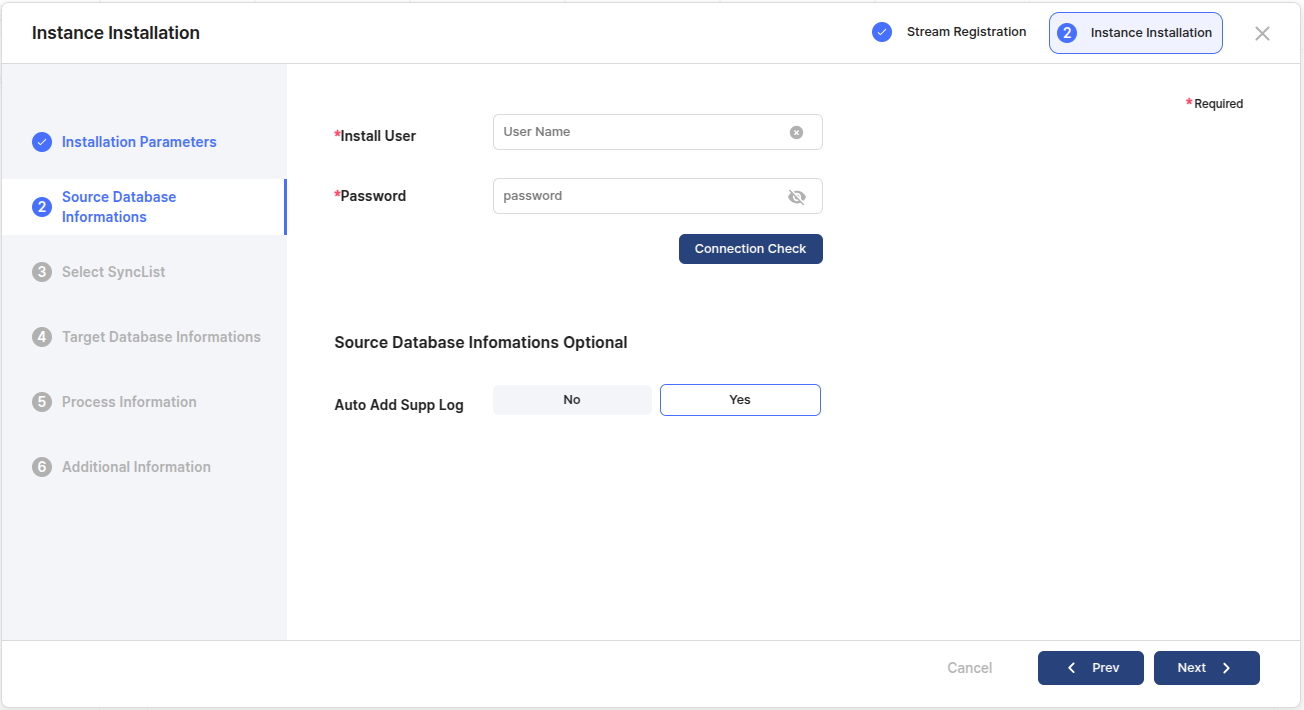
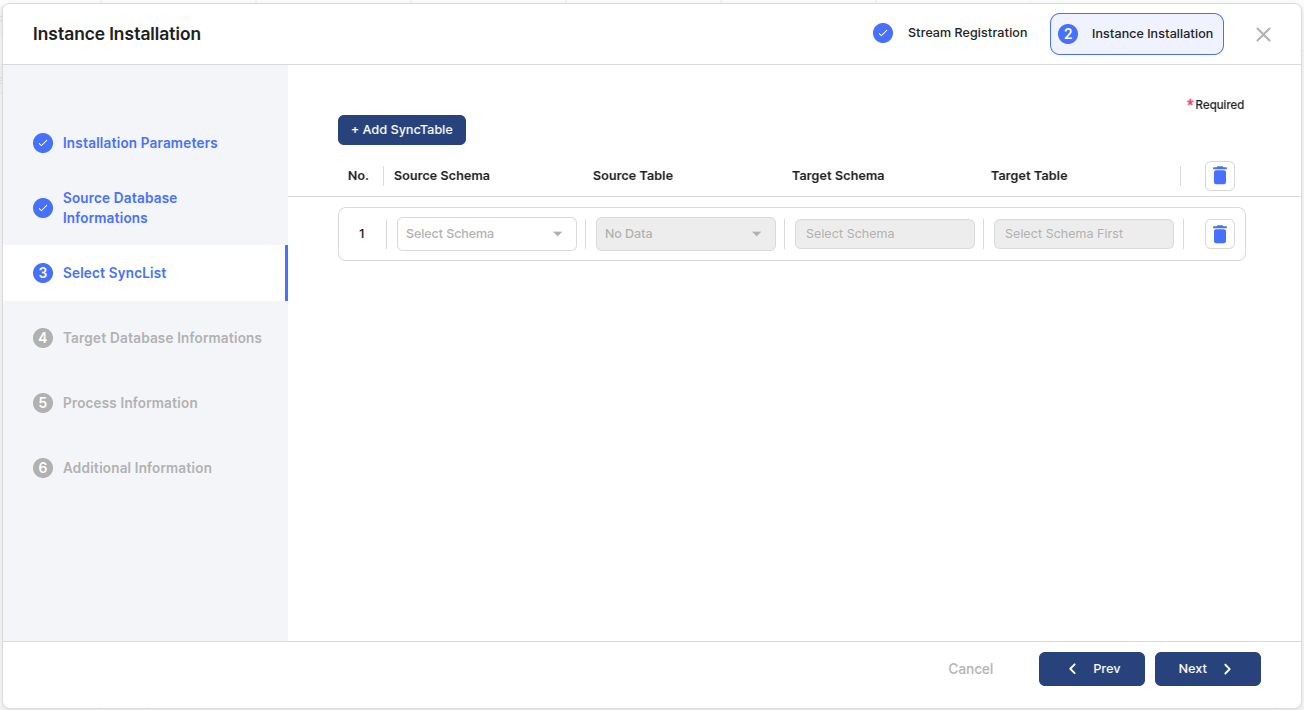
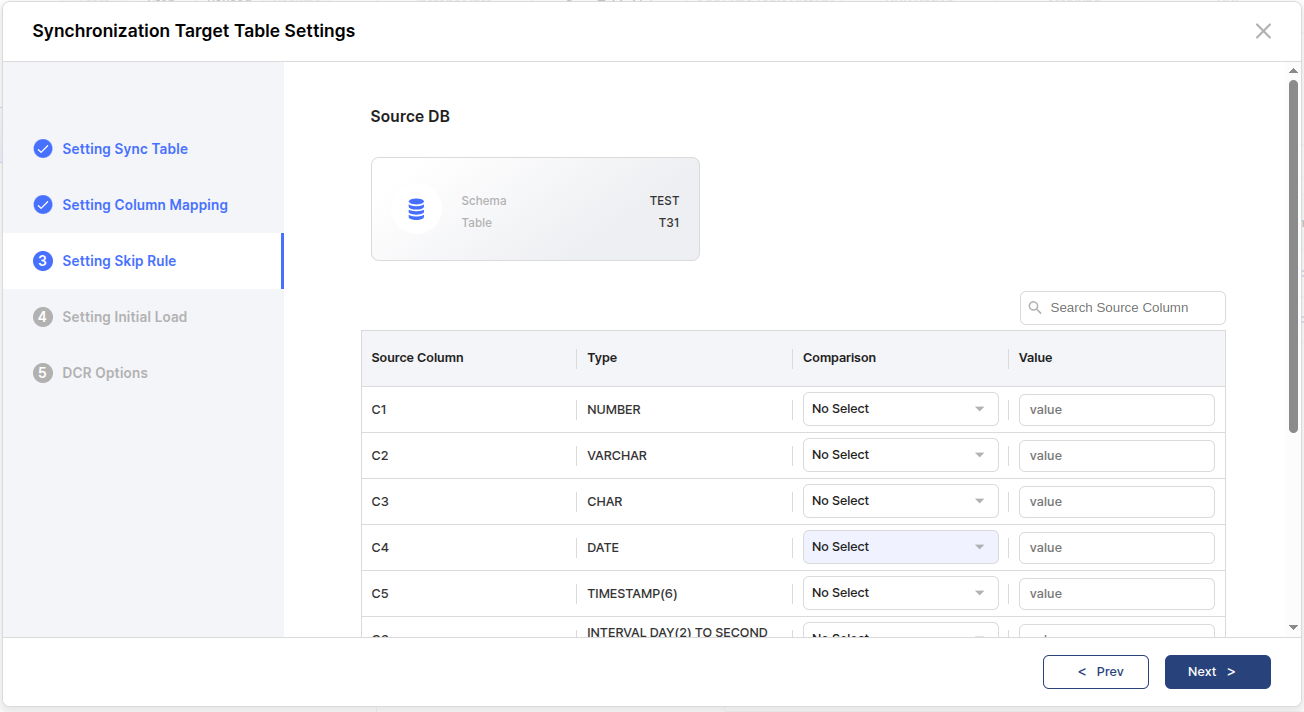
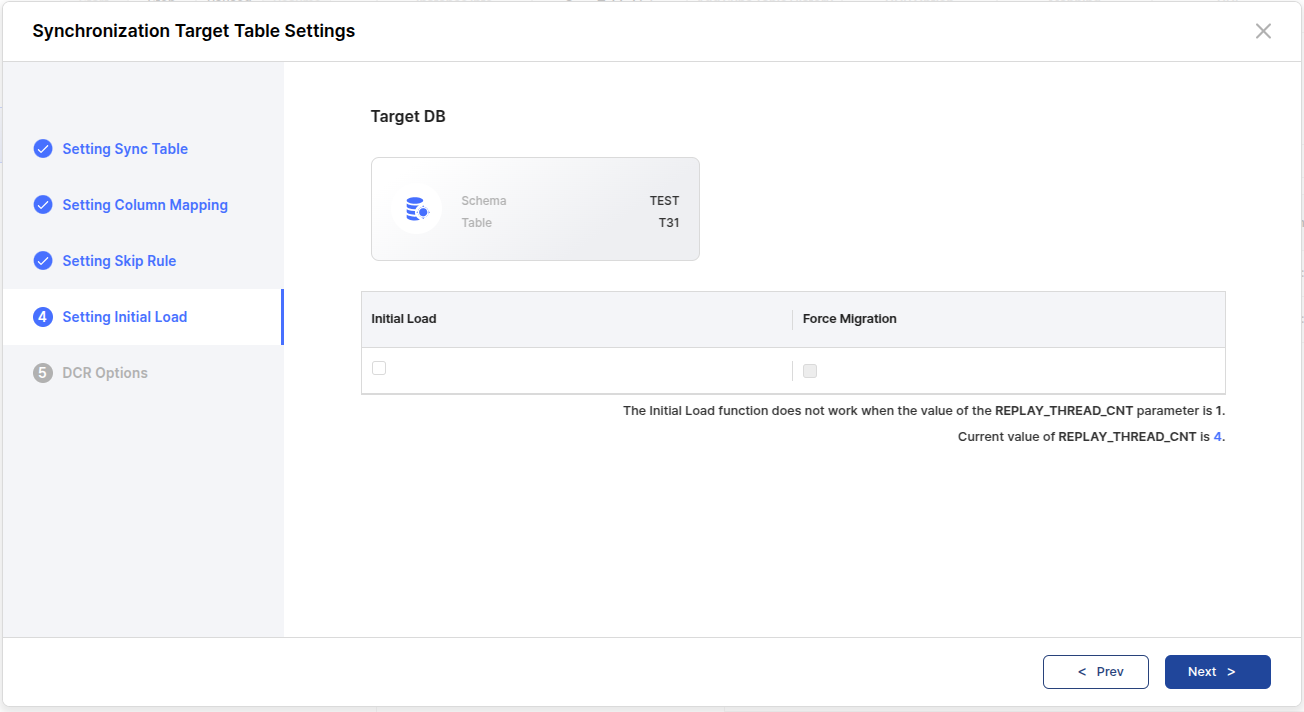
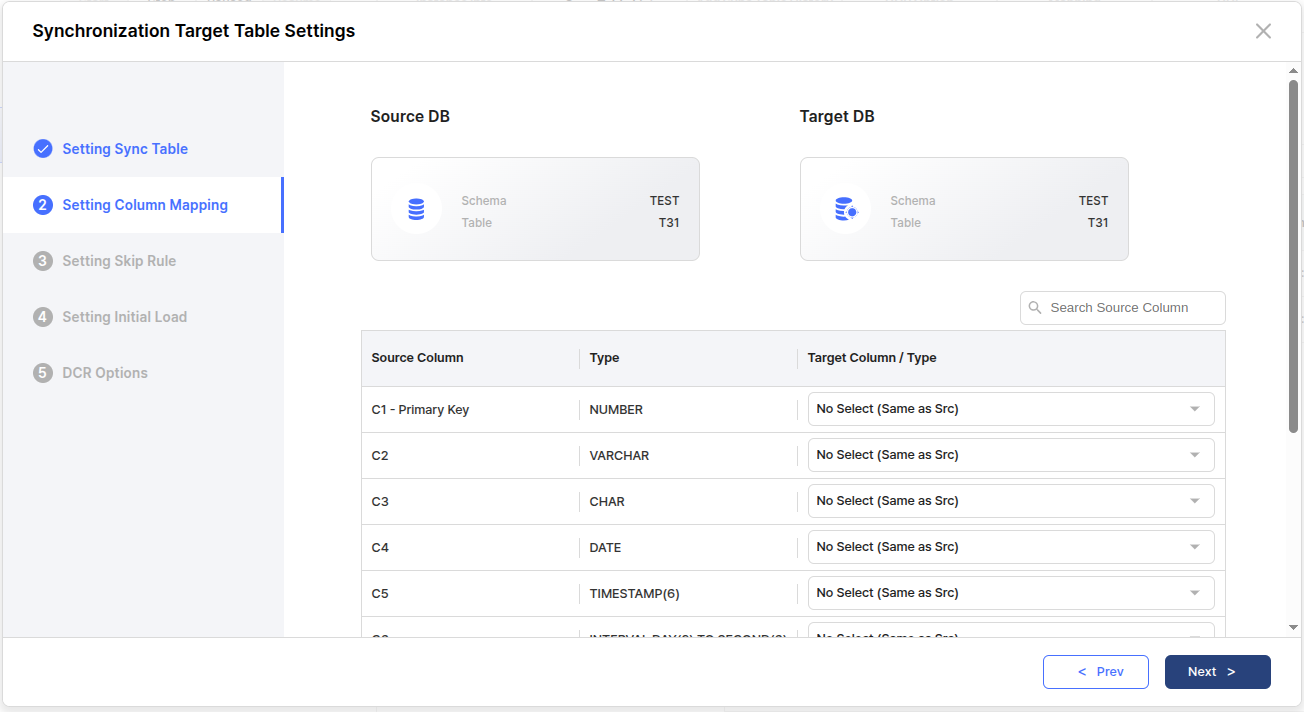
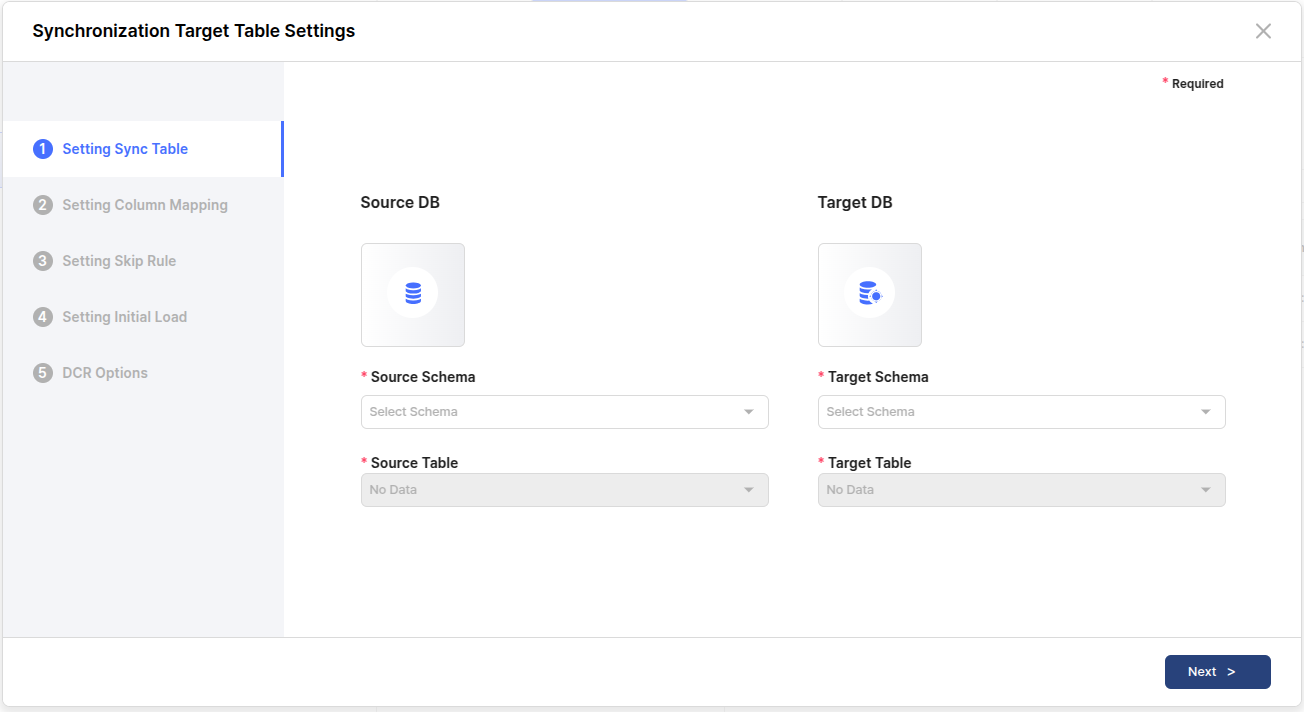
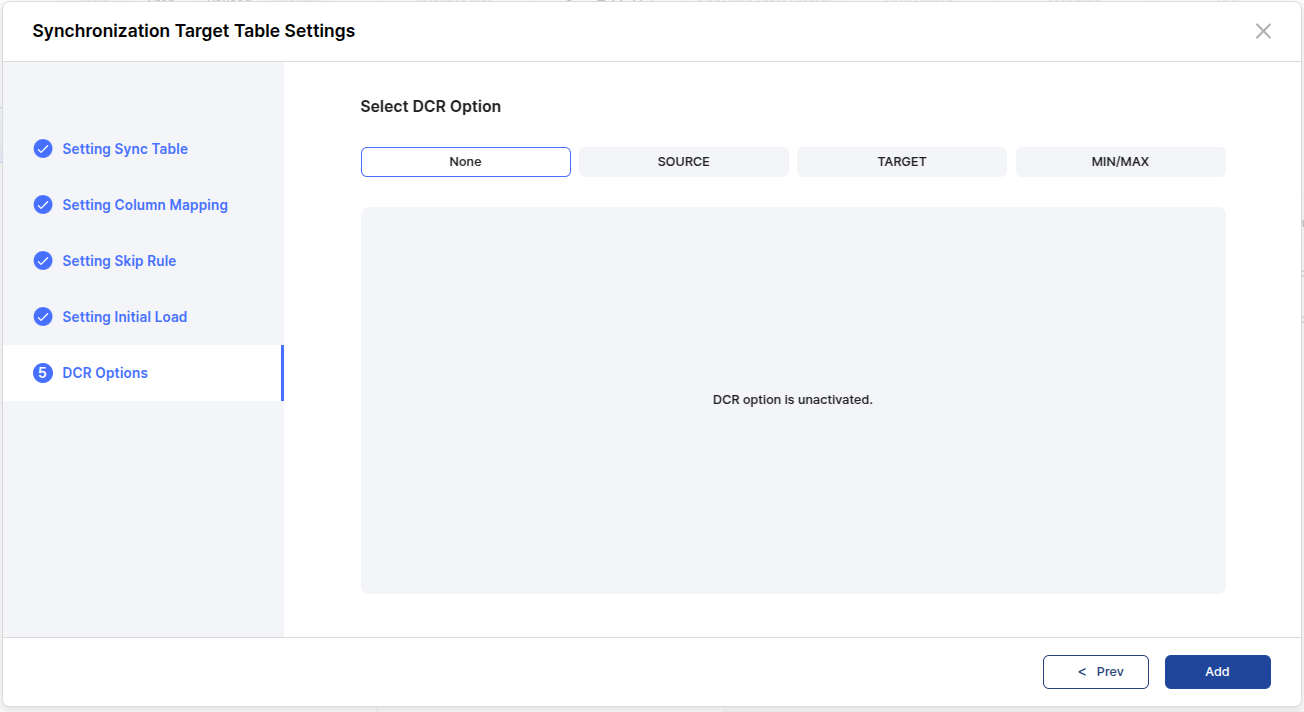
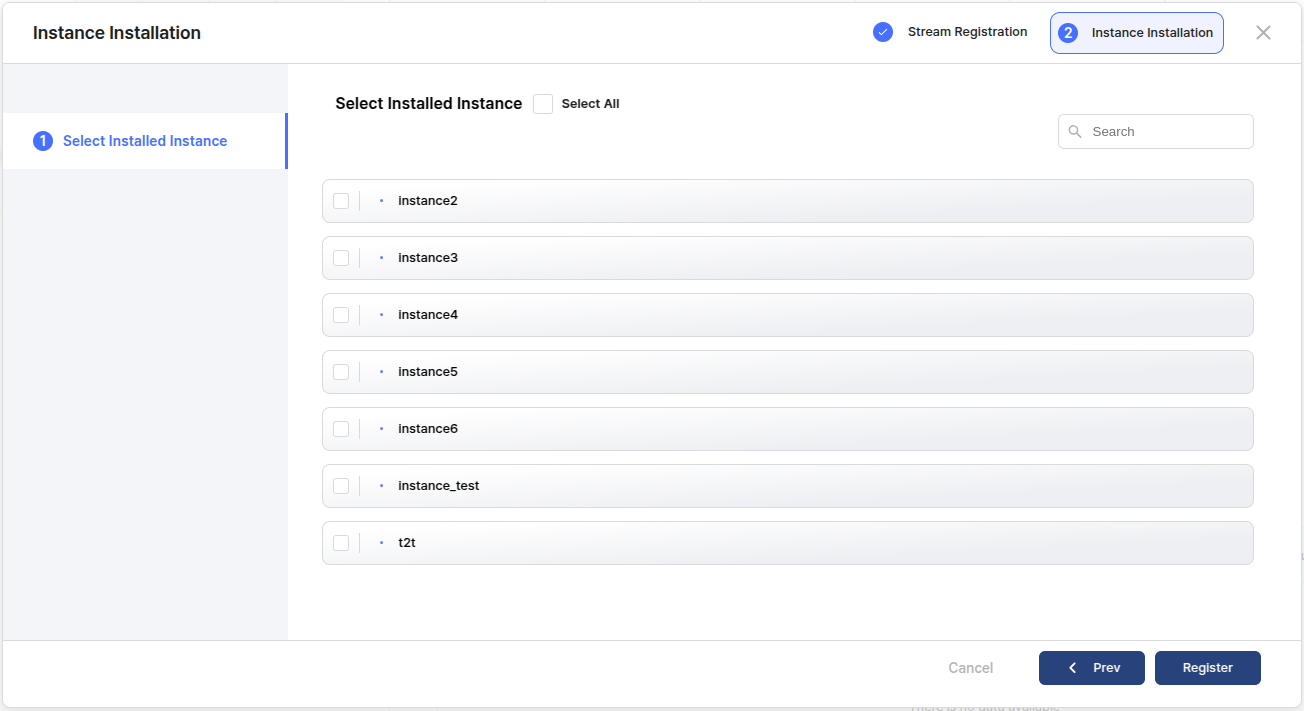
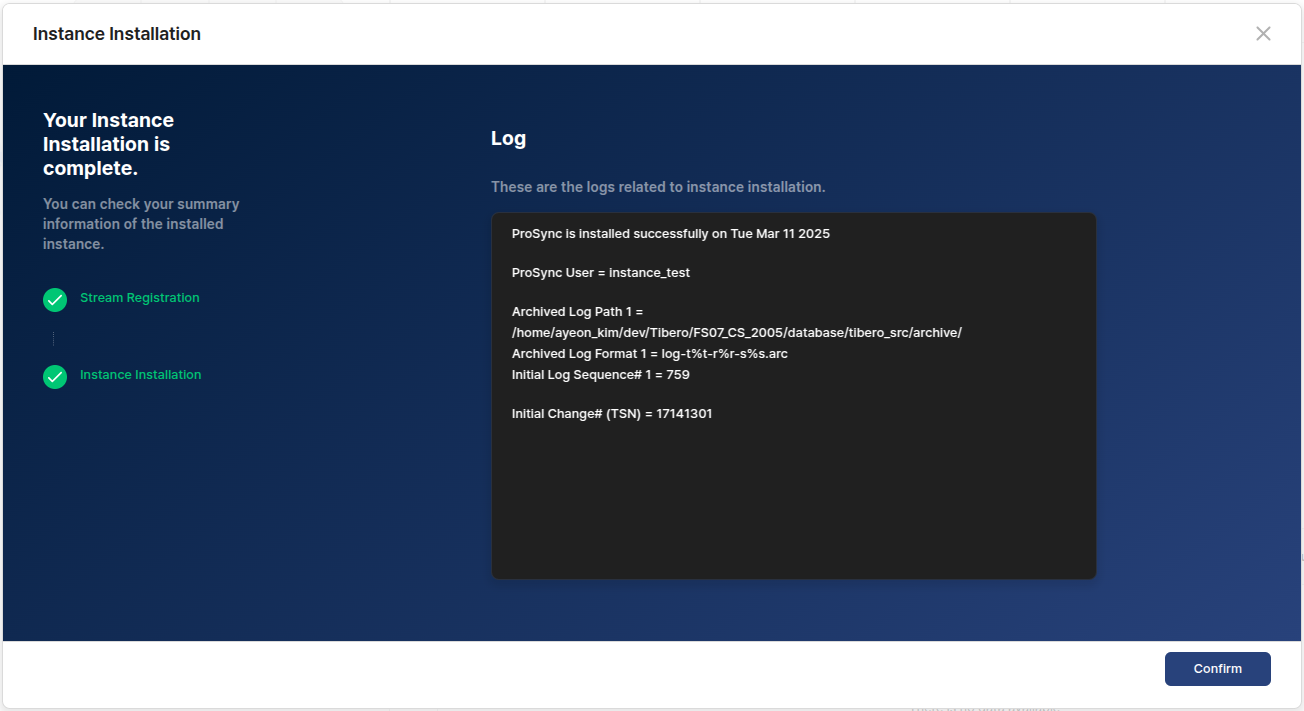
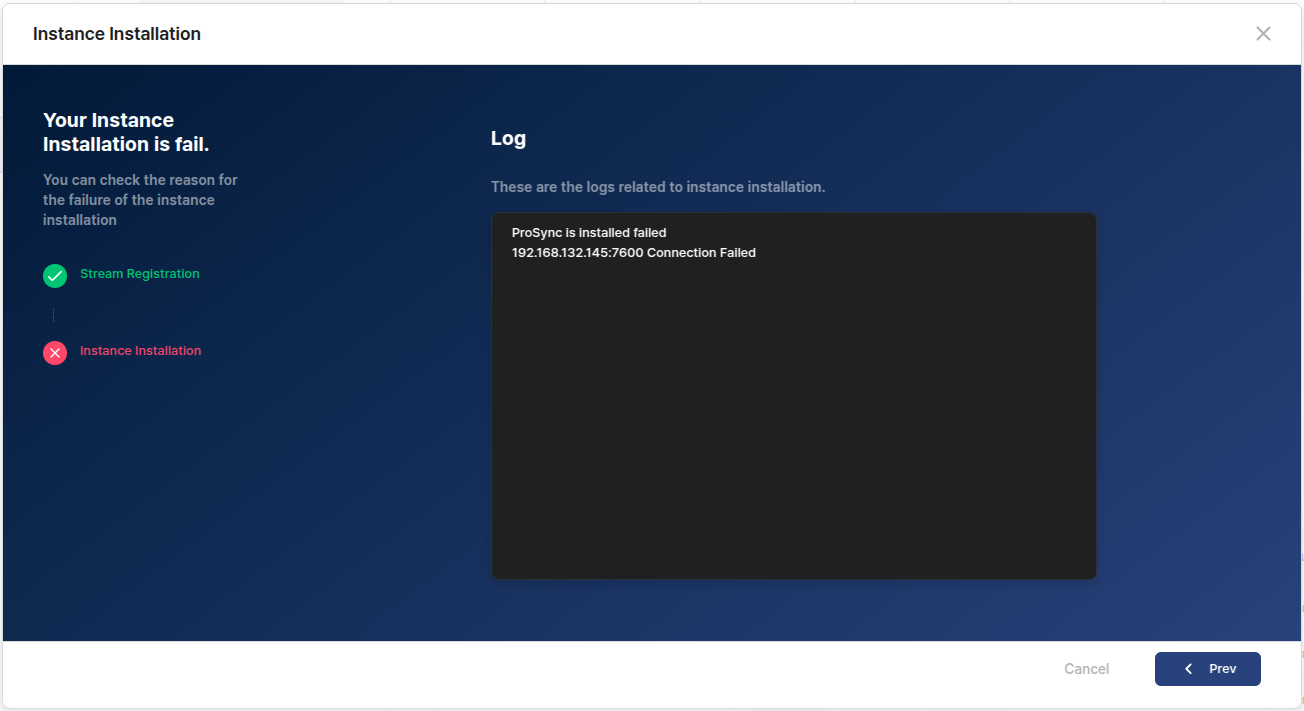
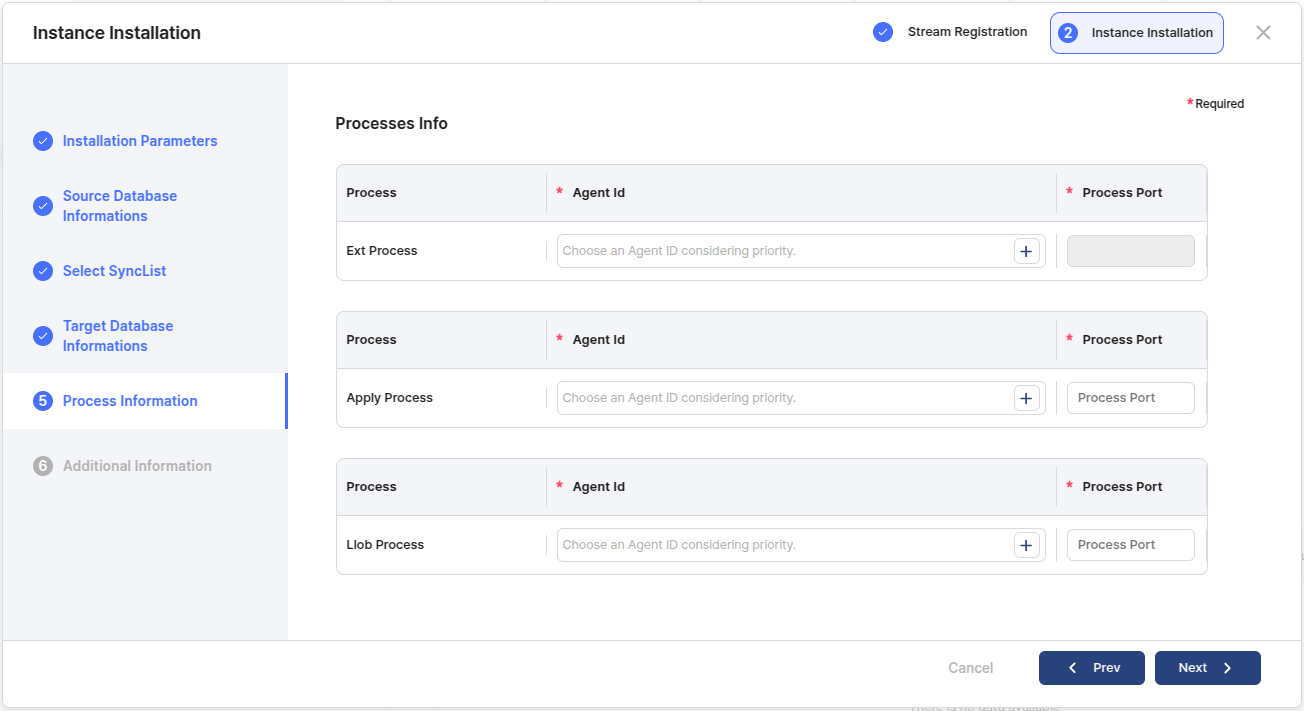
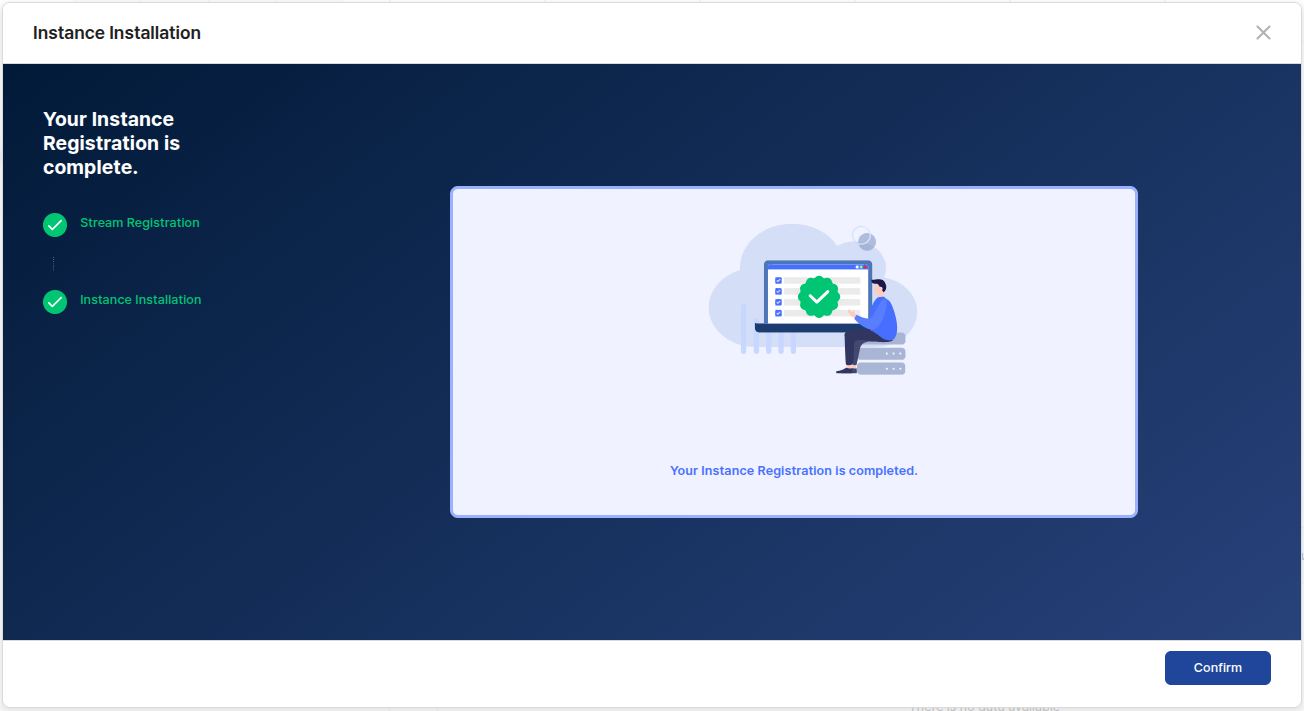
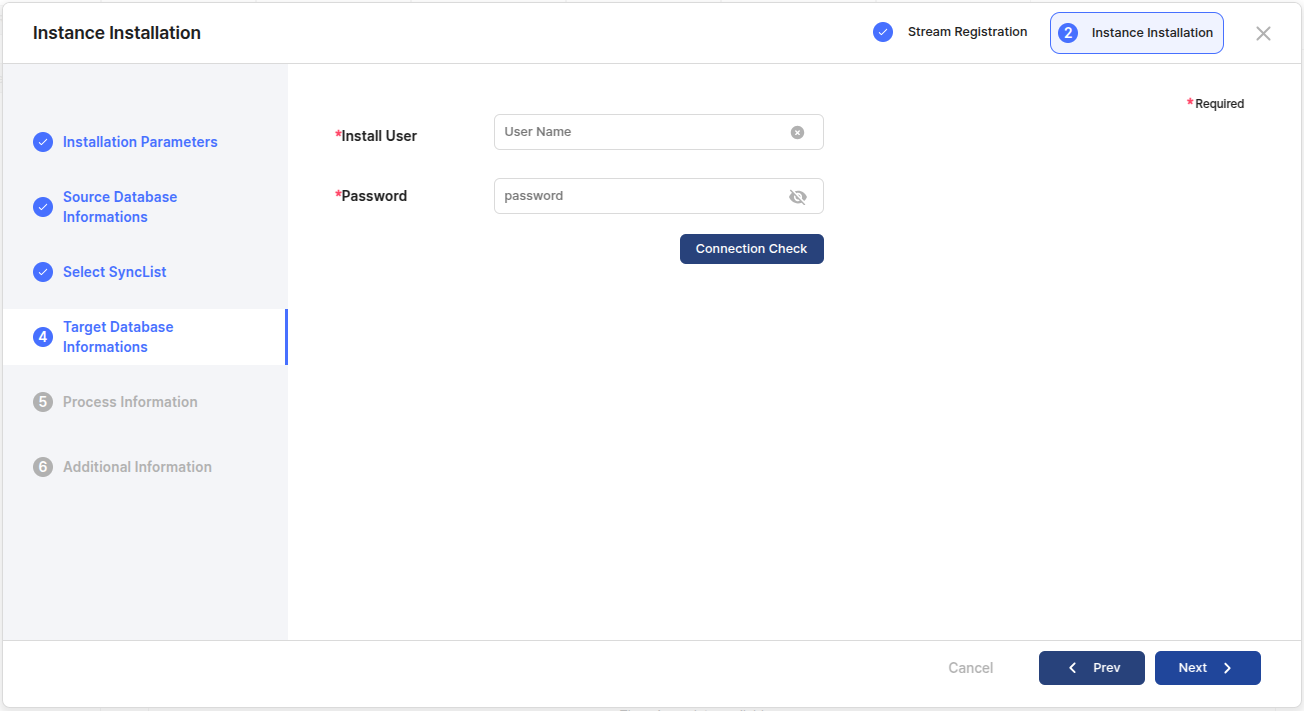
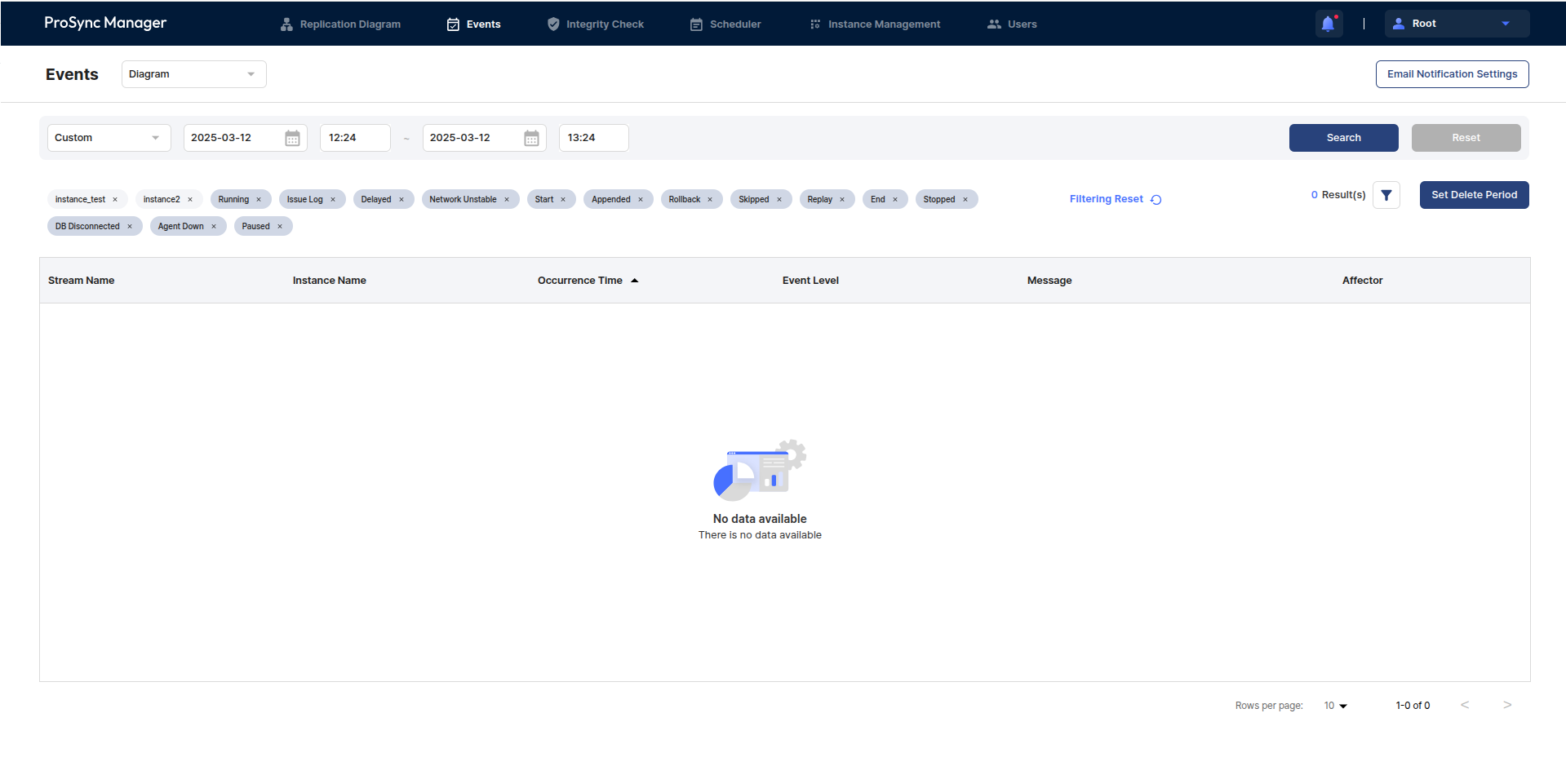
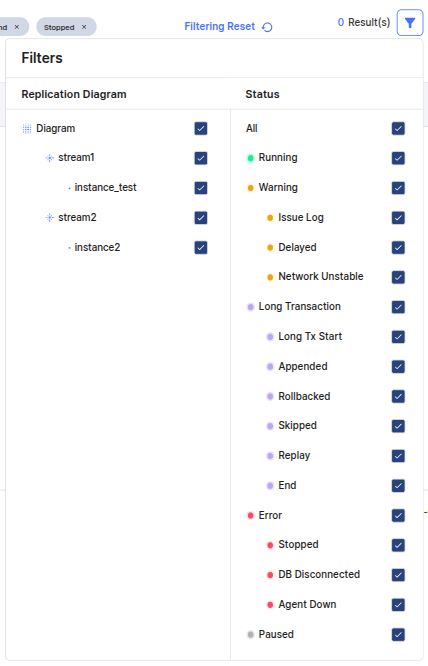
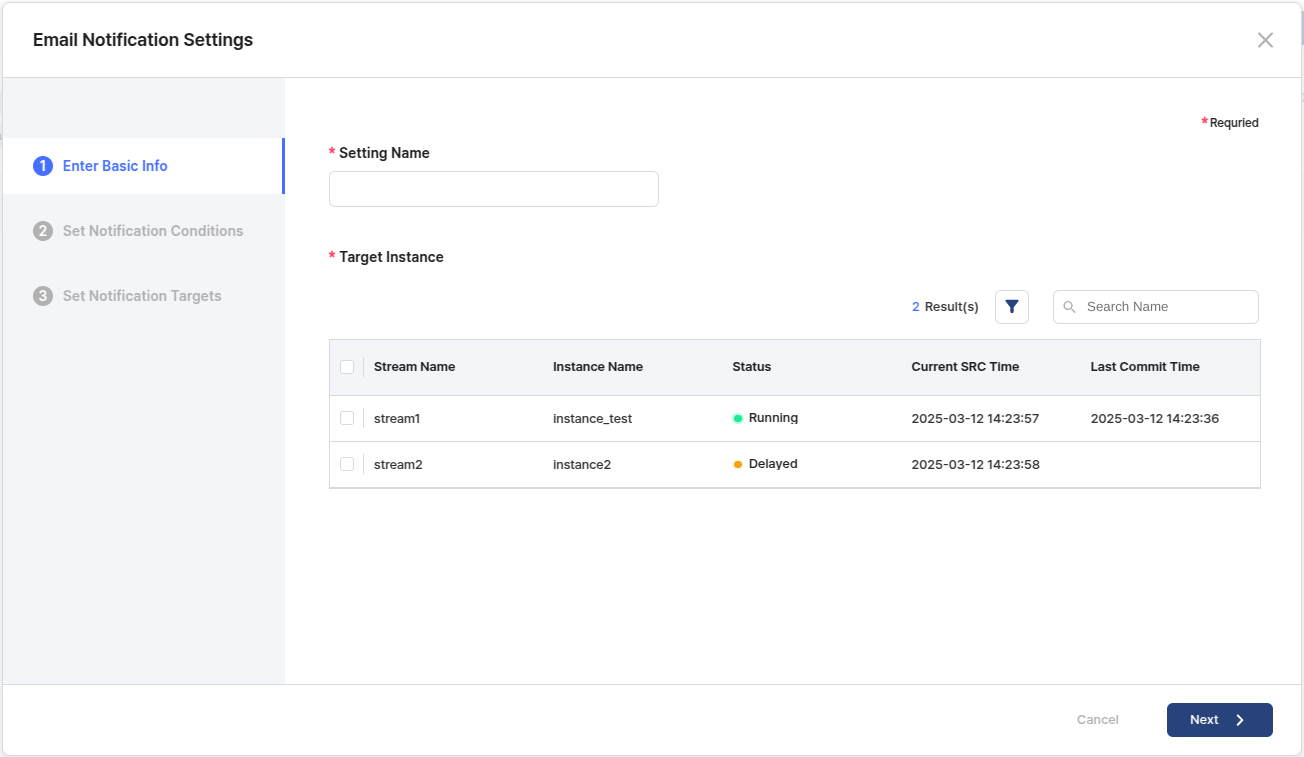
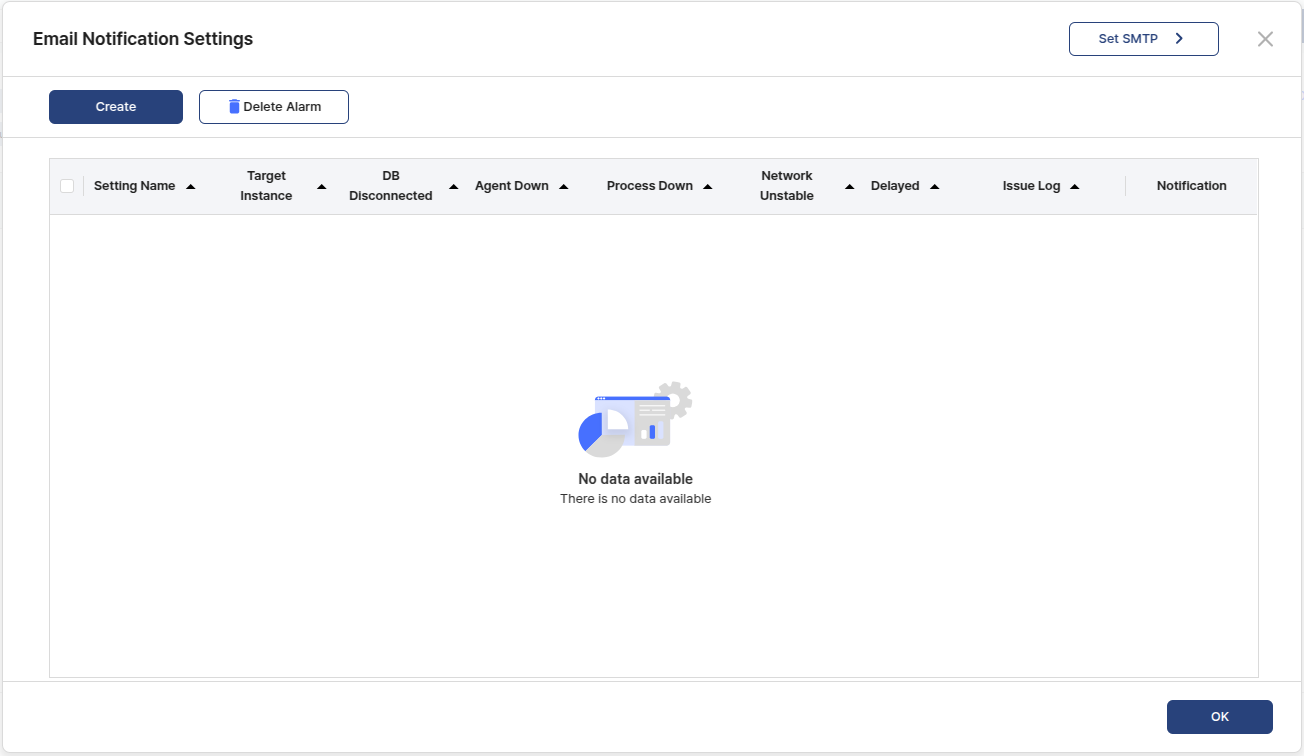
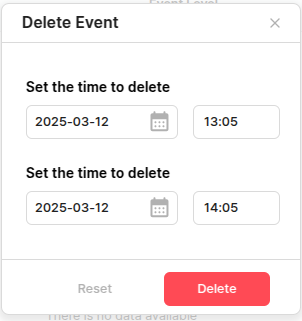
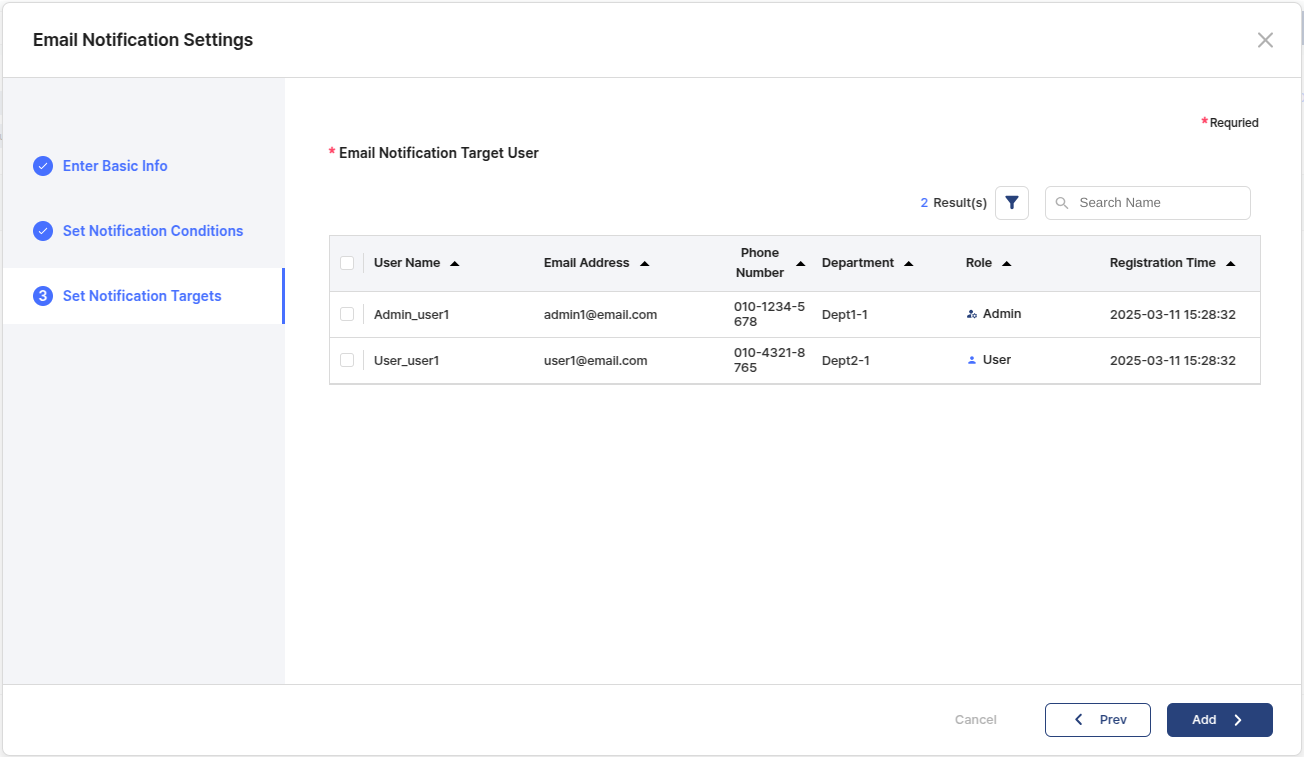
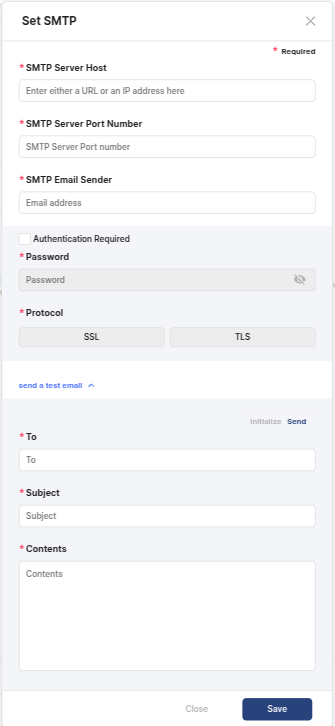
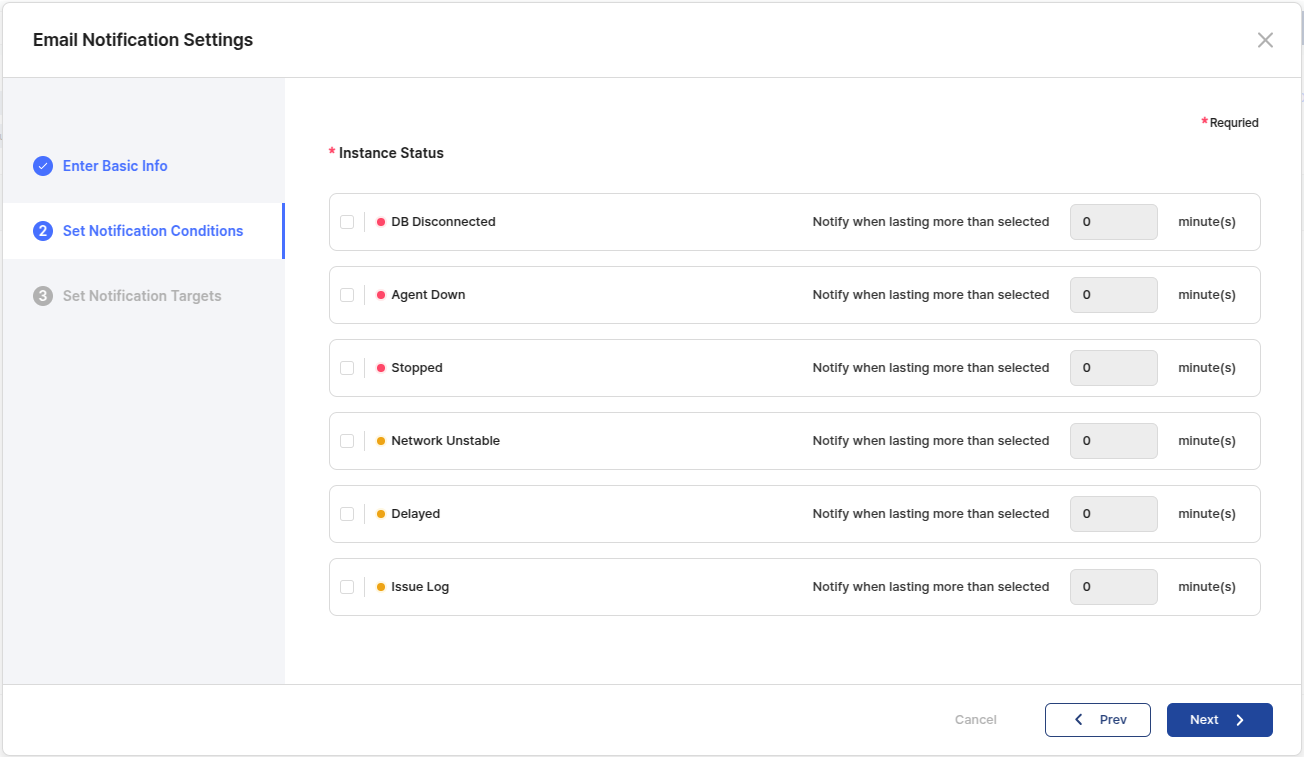
This section describes the installation of ProSync Manager.
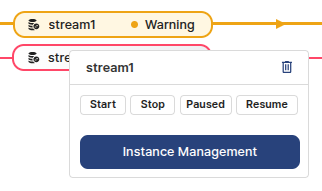
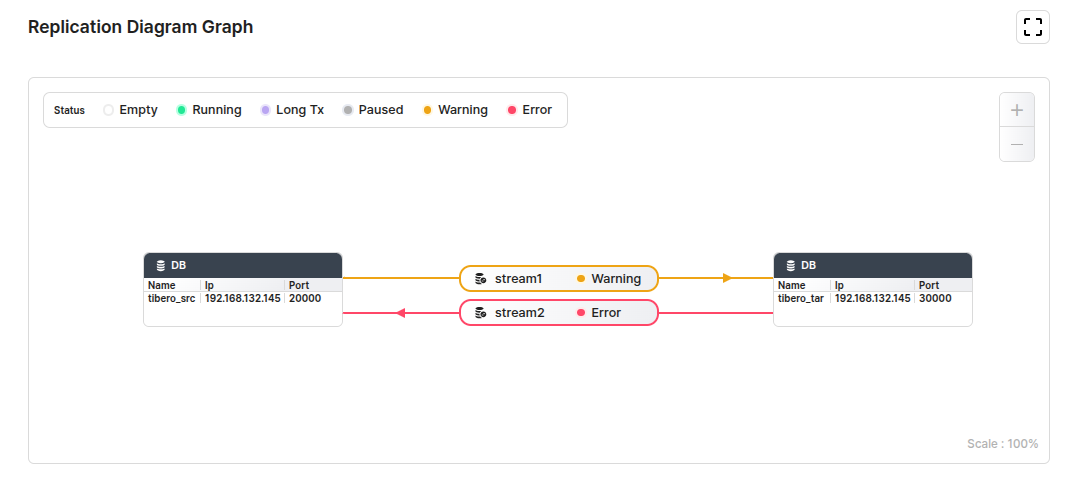
Describes the configuration of server parameter of ProSync Manager.
# LOG
LOG_LEVEL=INFO
LOG_DIR=${PRSMGR_HOME}/logs
LOG_COMPRESS=Y
LOG_MAX_FILE_SIZE=1GB
LOG_MAX_HISTORY=30
LOG_TOTAL_SIZE_CAP=30GB
# INTEGRITY CHECK
## parallel used in SELECT during check operation
IC_SELECT_THREAD_COUNT=8
## parallel used by DML during calibration operation
IC_APPLY_THREAD_COUNT=8
IC_QUEUE_SIZE=128
IC_DOWNLOAD_PATH=${PRSMGR_HOME}/verify
IC_CONNECTION_TIMEOUT=300
IC_READ_TIMEOUT=1800
## Thread pool size for verification tasks
## Occupy maximum number of equal SRC/TAR DB connections
IC_SERVICE_THREAD_CNT=10
## Thread pool size used for downloading the result after scan
IC_SERVICE_DOWNLOAD_THREAD_CNT=5
## Thread pool size used for calibration work
## Occupy TAR DB connection up to the value * 5
IC_SERVICE_APPLY_THREAD_CNT=5
## Sorting for non-UTF DBs
IC_USE_UNICODE_ORDER=false
# INITIAL LOAD
IL_EXTRACT_PARALLEL=N
IL_INSERT_PARALLEL=N
IL_LOCK_TIMEOUT=10
IL_LOG_PATH=${PRSMGR_HOME}/etl
# REPO DB
REPODB_USERNAME=repo_user
REPODB_PASSWORD=password
REPODB_IP=localhost
REPODB_PORT=13852
REPODB_DBNAME=prosyncmanager
# JWT 90days - 360days
JWT_VALID_TIME_MILLIS=7776000000
JWT_REFRESH_TIME_MILLIS=31104000000
# DB
DB_TIMEOUT_SECONDS=5
# TOMCAT LOG
TOMCAT_LOG_LEVEL=INFO
TOMCAT_LOG_DIR=${PRSMGR_HOME}/tomcat_logs
TOMCAT_LOG_COMPRESS=Y
TOMCAT_LOG_MAX_FILE_SIZE=1GB
TOMCAT_LOG_MAX_HISTORY=30
TOMCAT_LOG_TOTAL_SIZE_CAP=30GB
# HIST RETENTION
RETENTION_JOB_TIME=1
RETENTION_EVENT=30
RETENTION_ERROR=30
RETENTION_LONG_TX=30
RETENTION_RESOURCE=30
RETENTION_STATISTICS=30
RETENTION_TSN_DIFF=30
# TSN TIME MAP RETENTION
RETENTION_SRC_TIME_MAP=30